June 11, 2026
When a retail business decides to invest in an LED display — whether for a shopfront window, an in-store feature wall, or a category zone display — the specification conversation inevitably arrives at pixel pitch. And this is where many projects go wrong, in one of two directions.
Some buyers over-specify. They select the finest pixel pitch available, reasoning that sharper is always better, and end up significantly overspending on resolution that is imperceptible from the distances at which their customers actually stand. Others under-specify. Drawn to a lower price point, they install a display with a pixel pitch that produces a noticeably grainy image at their primary viewing distance — undermining the brand premium the screen was intended to create.
Both outcomes are avoidable. Pixel pitch is not a question of "more equals better." It is a question of matching a technical specification to a defined viewing context. Get that match right, and your display delivers the visual quality your brand requires at a cost that makes commercial sense. Get it wrong, and the investment either underperforms or over-costs relative to what was actually needed.
This guide explains what pixel pitch is, how it governs visual performance at different viewing distances, and — most practically — how to choose the right specification for the specific retail contexts in which LED displays are most commonly deployed.
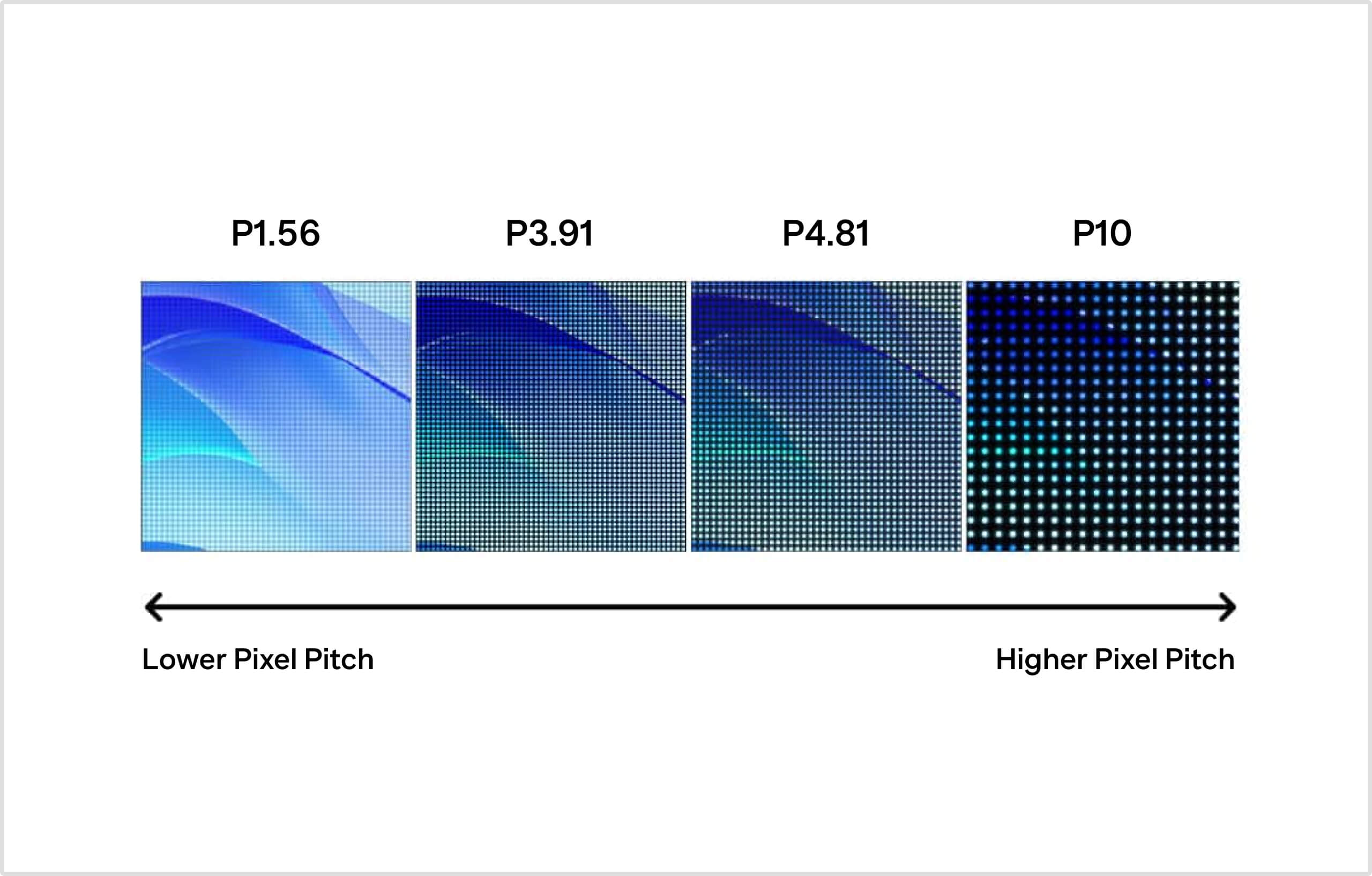
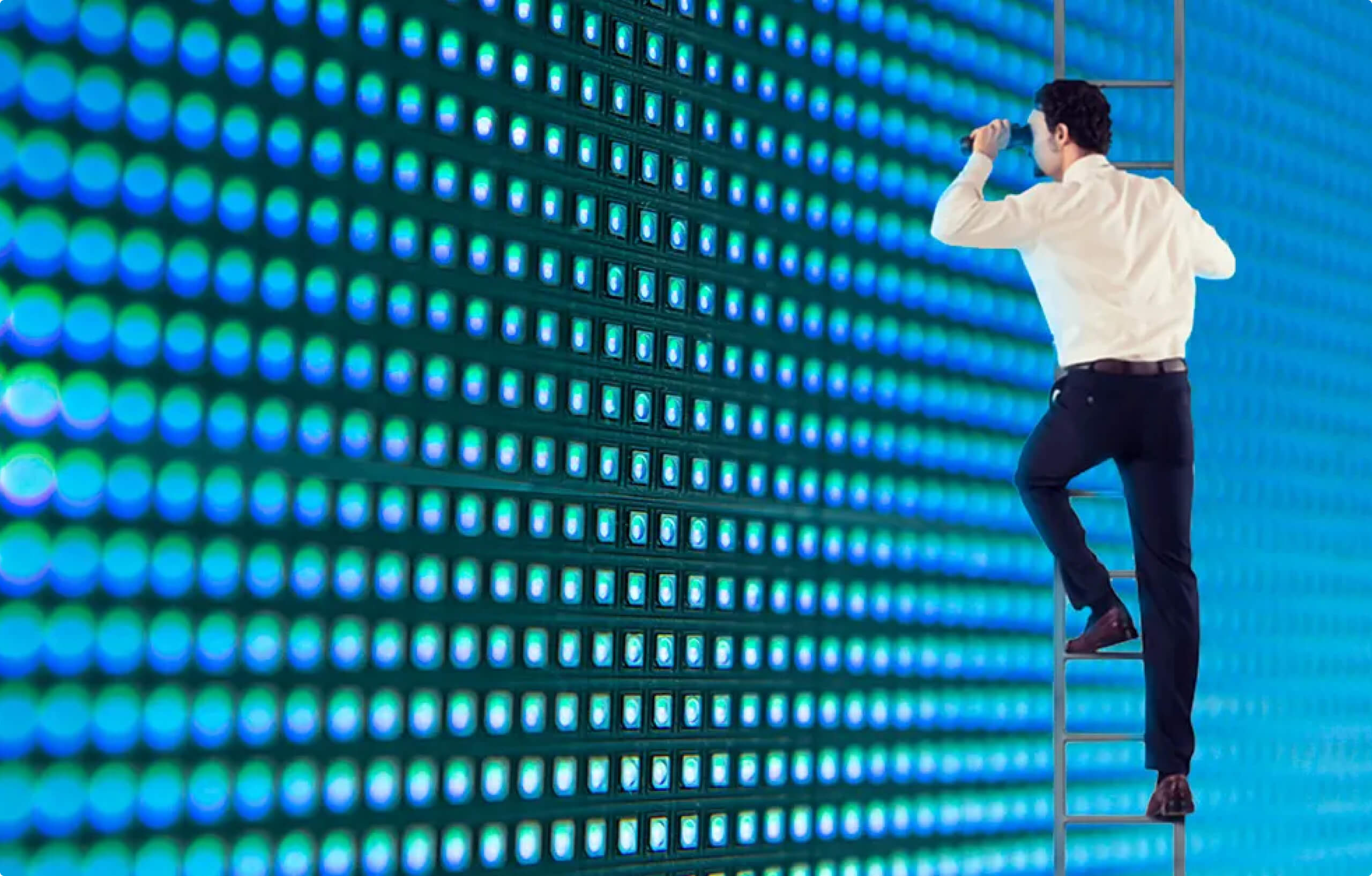
Pixel pitch refers to the distance, measured in millimetres, between the centre points of two adjacent LED pixels on a display panel. You will see it expressed with a "P" prefix followed by a number: P1.5, P2.5, P3.9, and so on. A P1.5 display has a 1.5mm gap between each pixel; a P3.9 display has a 3.9mm gap.
The consequence of this gap is straightforward: the smaller the pixel pitch, the more pixels are packed into every square metre of display surface, and the higher the pixel density of the screen. Higher pixel density means the image remains sharp at closer viewing distances. Larger pixel pitches produce lower density, which is visually adequate at distance but will appear grainy or pixelated if a viewer stands too close.
This relationship between pixel pitch and viewing distance is the central governing principle of LED display specification. Everything else — cost, brightness, maintenance requirements — flows from where you sit on this spectrum.
A widely used industry formula provides a practical starting point for specification:
Minimum viewing distance (metres) ≈ Pixel Pitch (mm) × 2.5
Using this formula: a P2.5 display is optimally viewed from approximately 6.25 metres (roughly 20 feet). A P1.5 display is optimally viewed from approximately 3.75 metres. A P4 display requires viewers to be at least 10 metres away to avoid seeing individual pixels.
This formula gives you the minimum comfortable viewing distance — the point at which the human eye can no longer resolve individual pixels and the image appears seamless. For most retail applications, matching the pixel pitch to the actual distance at which the majority of customers will view the screen is the single most important specification decision.
Understanding the cost structure of LED displays is essential for procurement teams, because pixel pitch — not screen size — is typically the largest determinant of display price per square metre.
A smaller pixel pitch requires more individual LED chips per square metre, manufactured to higher precision tolerances, driven by more sophisticated electronics. As a rough benchmark, a P1.2 display typically costs 30–40% more per square metre than a comparable P2.5 display.
Beyond the upfront hardware cost, fine-pitch displays also carry marginally higher energy consumption — research indicates that displays at or below P1.5mm consume approximately 18% more power than comparable P2.0–P3.0mm options. For large-format or multi-screen deployments, this operational cost differential is worth factoring into the total cost of ownership analysis.
The commercial implication is this: specifying a finer pixel pitch than your viewing context actually requires is not a conservative choice — it is a budget inefficiency. Conversely, specifying a pitch that is too large for your primary viewing distance will produce a display that does not meet the visual quality your brand demands, potentially requiring early replacement. The objective is precision, not maximalism.
Retail is not a single context. The viewing distance, ambient lighting, content type, and commercial objective differ meaningfully between a flagship store interior, a shopping mall shopfront, a grocery category display, and a street-facing LED billboard. Each context has a corresponding pixel pitch range that represents the best balance of visual quality and cost.
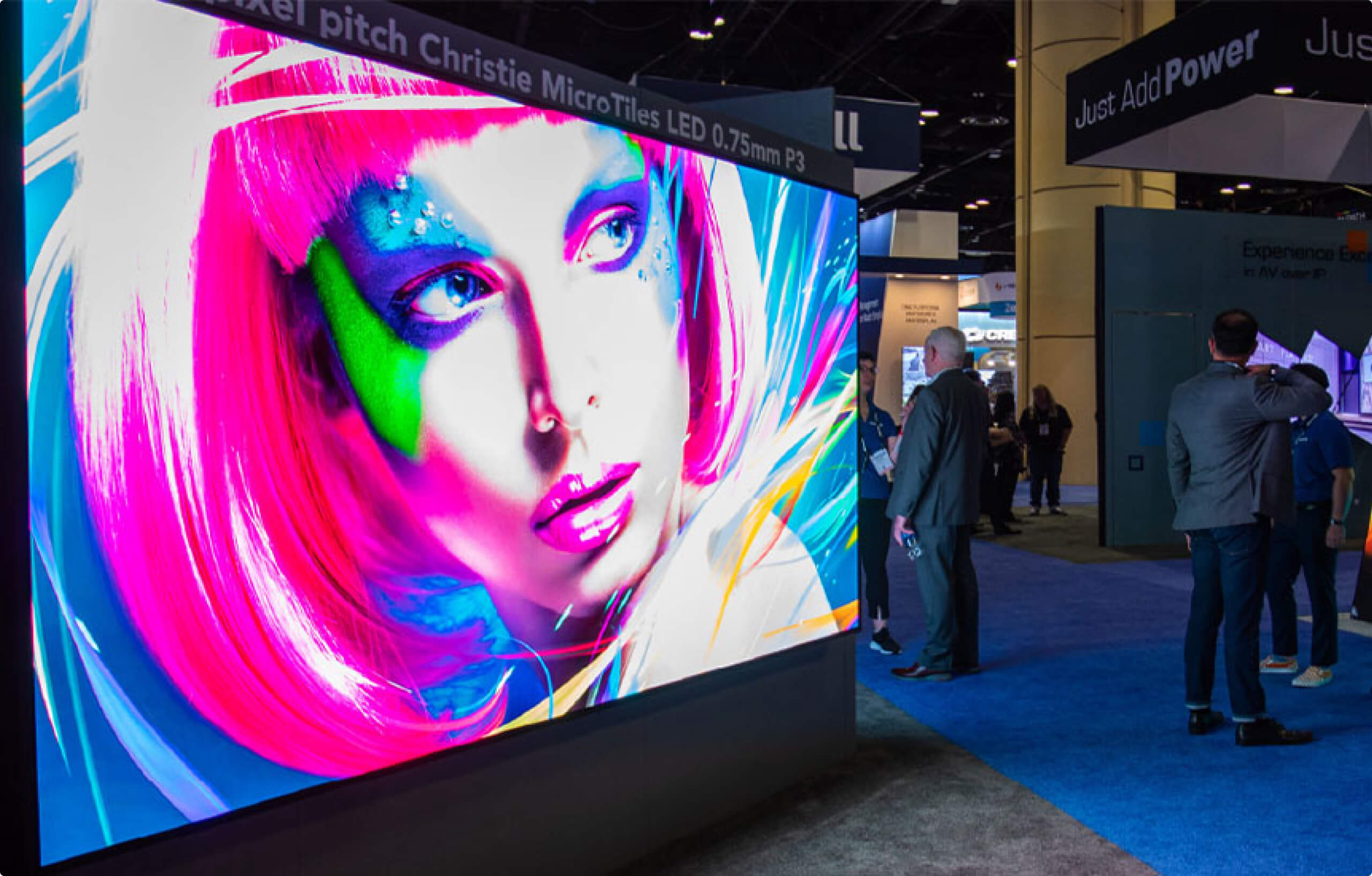
Interior feature walls — the kind used for brand storytelling, campaign imagery, or product showcase in fashion, electronics, automotive showrooms, or luxury retail — are typically viewed at distances between 2 and 6 metres. Customers browsing the store floor may approach these displays closely, particularly in smaller retail footprints.
For this context, P1.5 to P2.5 is the specification range that delivers reliable visual quality. At these pitches, imagery remains sharp across a range of viewing distances, text is cleanly rendered, and the fine detail of product photography — fabric textures, metallic finishes, jewellery — is reproduced accurately. For luxury retail specifically, where the visual standard of the display directly reflects on brand perception, erring toward the lower end of this range (P1.5 to P1.9) is often commercially justified even at higher cost.
A professional indoor retail LED display in this category should also deliver sustained brightness in the range of 600–1,200 nits. High contrast ratios are particularly important for showcasing detailed product imagery. A refresh rate of 3,840Hz or higher is recommended for retail environments where customers frequently photograph or video the display for social media — lower refresh rates produce visible scan lines in captured footage, which can work against a premium brand impression.
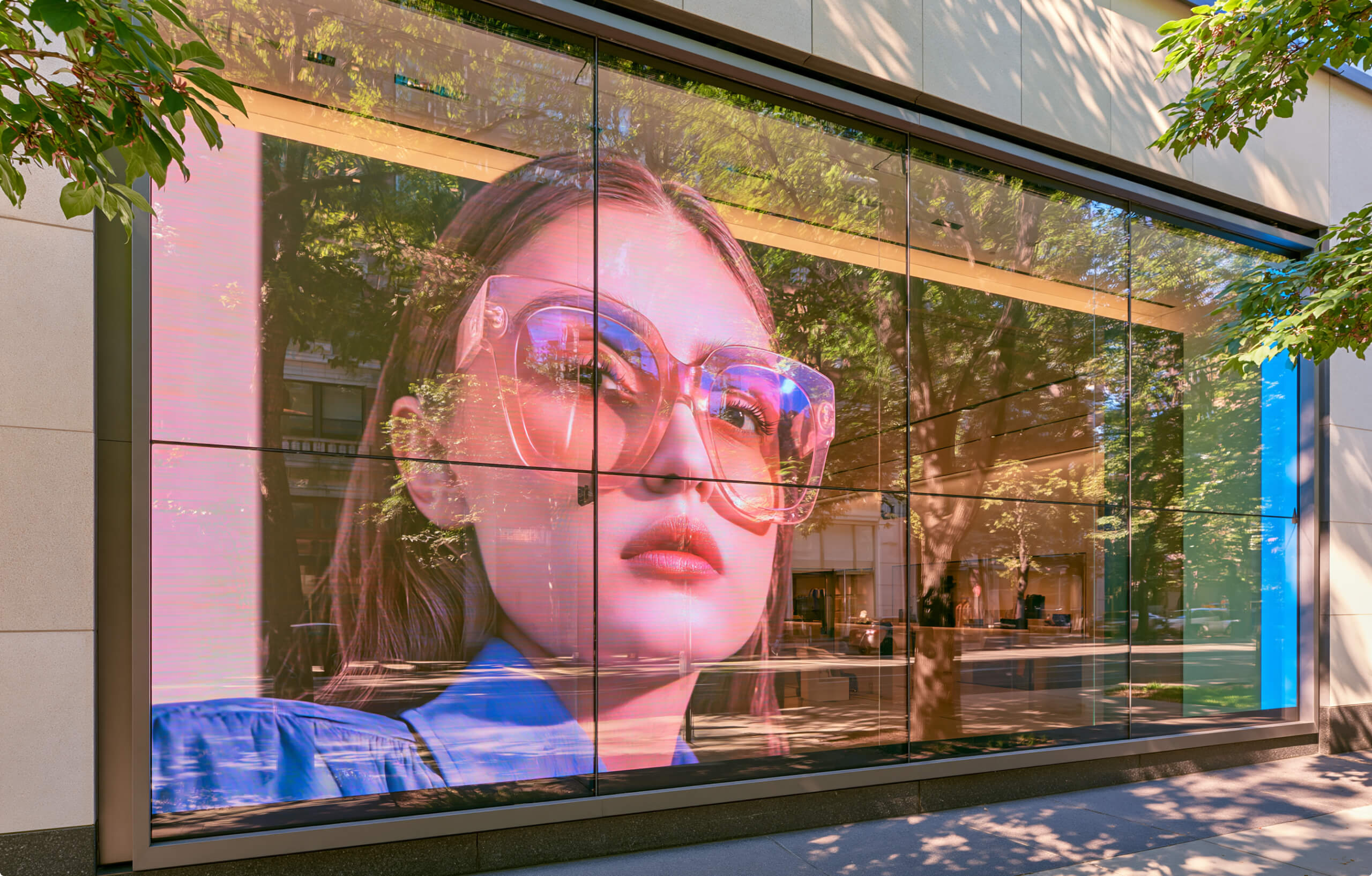
Window-facing LED installations occupy a distinct specification category because they serve two audiences simultaneously: pedestrians viewing from outside the store, and customers inside the store who may be positioned much closer to the glass.
The primary design challenge is brightness. A window-facing screen must compete with ambient daylight without appearing washed out, which means minimum sustained brightness of 2,500–4,000 nits, depending on the orientation of the shopfront and the intensity of natural light during peak trading hours. Note the important distinction between peak brightness and sustained brightness: some displays advertise peak figures that are only achievable momentarily, with sustained output significantly lower. Always request sustained brightness specifications when evaluating window-facing displays.
On pixel pitch, storefront windows are typically viewed by pedestrians from 3–8 metres and by passing traffic from greater distances. P2.5 to P3.9 is the standard specification range for this application. In high-footfall retail corridors where pedestrians may pause and approach the glass closely, P2.5 represents a sensible upper limit. In lower-footfall street-facing applications where the primary viewing audience is at greater distance, P3.9 is appropriate and delivers meaningfully better cost efficiency.
Transparent LED displays — where the LED structure is mounted on or integrated into the glass itself, allowing natural light to pass through — represent a specialist variant for shopfront applications. These preserve sightlines and maintain store visibility while enabling digital content, but operate at lower brightness than solid LED panels and are better suited to ambient promotional content than to high-contrast imagery.
Screens positioned in category zones — where customers are actively browsing and may stand within 1.5–3 metres of the display — require finer pitches to deliver legible text and product information without visible pixelation.
For these applications, P1.5 to P2.5 applies, with a preference toward P1.9 or finer when the display is intended to carry text-heavy content such as product specifications, pricing, or nutritional or technical information. The rule is simple: text is more demanding on pixel density than imagery, because the human eye is acutely sensitive to resolution in letterforms. A display that looks acceptable showing brand video may still produce clearly pixelated text if the pitch is too coarse for the viewing distance.
Checkout zone displays occupy a unique position. Viewing distances vary significantly depending on queue layout — a customer at the front of a queue may be 1.5 metres from the screen, while someone further back may be 4–5 metres away. Content in this zone is also typically viewed repeatedly by the same customers across multiple visits, making visual quality a cumulative brand impression issue.
P2.0 to P2.5 is an appropriate specification for most checkout zone displays, balancing close-range sharpness with reasonable cost efficiency. These displays should be optimised for portrait-format content — the vertical orientation of checkout zones typically suits taller, narrower screens — and the content loop should be matched to average queue dwell time.
Displays mounted externally, on building facades, in car parks, or in semi-covered entrances must be rated for outdoor conditions: weather resistance, operating temperature range, and significantly higher brightness.
For semi-outdoor applications with partial weather exposure, P3.9 to P4.8 is the standard range, with IP65 weatherproofing as a minimum requirement. Fully outdoor LED signage — freestanding displays in car parks or on building exteriors — typically operates at P4.8 to P6.0, with brightness in the 4,500–6,000+ nit range to maintain legibility in direct sunlight.
Understanding the right specification process also means recognising the patterns that lead to poor outcomes. The following are the most common specification errors encountered in retail LED display projects.
The cheapest available pixel pitch is not always the wrong choice — but selecting it without reference to the actual viewing distance is a significant risk. A display that looks grainy at the primary viewing distance of your store will not deliver the brand impression or commercial outcomes the investment was intended to produce.
The opposite error is equally costly. Specifying P1.2 for an application where P2.5 would be imperceptible to viewers at the relevant distance is a substantial budget inefficiency. The premium paid for unnecessary pixel density does not translate into any visible improvement in customer experience.
As noted above, peak brightness and sustained brightness are not the same figure. Window-facing displays specified on peak brightness alone may fail to deliver the visibility needed during daylight trading hours — a problem that becomes apparent only after installation.
In a multi-screen retail environment, it is entirely appropriate — and often commercially necessary — to specify different pixel pitches for different deployment zones. A feature wall at P1.9, a window display at P3.9, and an external directional sign at P6.0 is not a compromise. It is a precision specification that allocates budget where visual quality produces the greatest commercial return.
For procurement teams preparing to brief an AV solutions provider or issue a specification request, the following information is the minimum required to generate an accurate, comparable recommendation:
A thorough brief at this level removes ambiguity from the specification process and enables a meaningful comparison between proposals.
The right pixel pitch for a retail LED display is the one that is imperceptible — or very nearly imperceptible — to your customers standing at the actual distances at which they engage with your screen. Not the finest pitch available. Not the cheapest. The one that makes technical and commercial sense for your specific deployment context.
For most indoor retail applications, that sits in the range of P1.5 to P2.5. For shopfront windows, P2.5 to P3.9. For external signage, P4.8 and above. But every retail environment has its own geometry, lighting conditions, and brand standards that will shift these figures, sometimes significantly.
The specification process — measuring your space, mapping your viewing distances, defining your content requirements, and modelling the cost implications across pixel pitch options — is where ROI on an LED display investment is built or lost. It is also where the value of working with an experienced AV integration partner, rather than purchasing hardware in isolation, becomes most tangible.
The Brain Computer Corporation works with retailers across all formats to specify, supply, and integrate commercial LED display solutions — from fine-pitch in-store feature walls to high-brightness shopfront and external signage. If you are at the specification stage of an LED display project, our team can provide a site assessment and tailored recommendation based on your viewing environment, content requirements, and investment parameters. Get in touch to discuss your project.