





Why Work With UsChoosing the Right Classroom Display TechnologyInteractive Flat Panels in the ClassroomInstallation, Service, and Warranty
Why Work With Us
Why should schools in the Philippines choose The Brain Computer Corporation for audio-visual education solutions?

The Brain Computer Corporation has been delivering AV solutions in the Philippines for over 38 years — making us one of the longest-established audio-visual integration companies in the country. This longevity is not incidental. It reflects a track record of completed projects across retail, corporate, hospitality, education, healthcare, and government sectors; deep relationships with leading hardware manufacturers and technology partners; and a technical team with expertise that takes years of real-world installation experience to develop.
When you work with The Brain Computer Corporation, you are not buying a screen from a supplier. You are engaging a technical partner who will assess your space, specify the right solution for your context, install it to a professional standard, and support it for the life of the asset. We have seen the full evolution of LED display technology — from the earliest large-pitch panels to today's fine-pitch COB and MicroLED systems — and that accumulated knowledge informs every recommendation we make.
When you work with The Brain Computer Corporation, you are not buying a screen from a supplier. You are engaging a technical partner who will assess your space, specify the right solution for your context, install it to a professional standard, and support it for the life of the asset. We have seen the full evolution of LED display technology — from the earliest large-pitch panels to today's fine-pitch COB and MicroLED systems — and that accumulated knowledge informs every recommendation we make.
Who are some of The Brain Computer Corporation’s trusted clients?
The Brain Computer Corporation has worked with a wide range of clients, including Gateway Mall, Ayala Malls Circuit, Smart Araneta Coliseum, Novotel, ABS-CBN, Giordano, PAGCOR, and the Cultural Center of the Philippines, among many others.
Do you serve clients outside of Metro Manila?
Yes. The Brain Computer Corporation serves clients across the Philippines, including key commercial centres in Cebu, Davao, Iloilo, Bacolod, Cavite, La Union, Bataan and other provincial and regional locations.
For projects outside Metro Manila, our team coordinates site visits, installation schedules, and after-sales support based on each project's specific location and requirements. Contact us to discuss your project location and we will advise on timelines and logistics.
For projects outside Metro Manila, our team coordinates site visits, installation schedules, and after-sales support based on each project's specific location and requirements. Contact us to discuss your project location and we will advise on timelines and logistics.
Choosing the Right Classroom Display Technology
What is the difference between an interactive flat panel and a projector for a classroom?
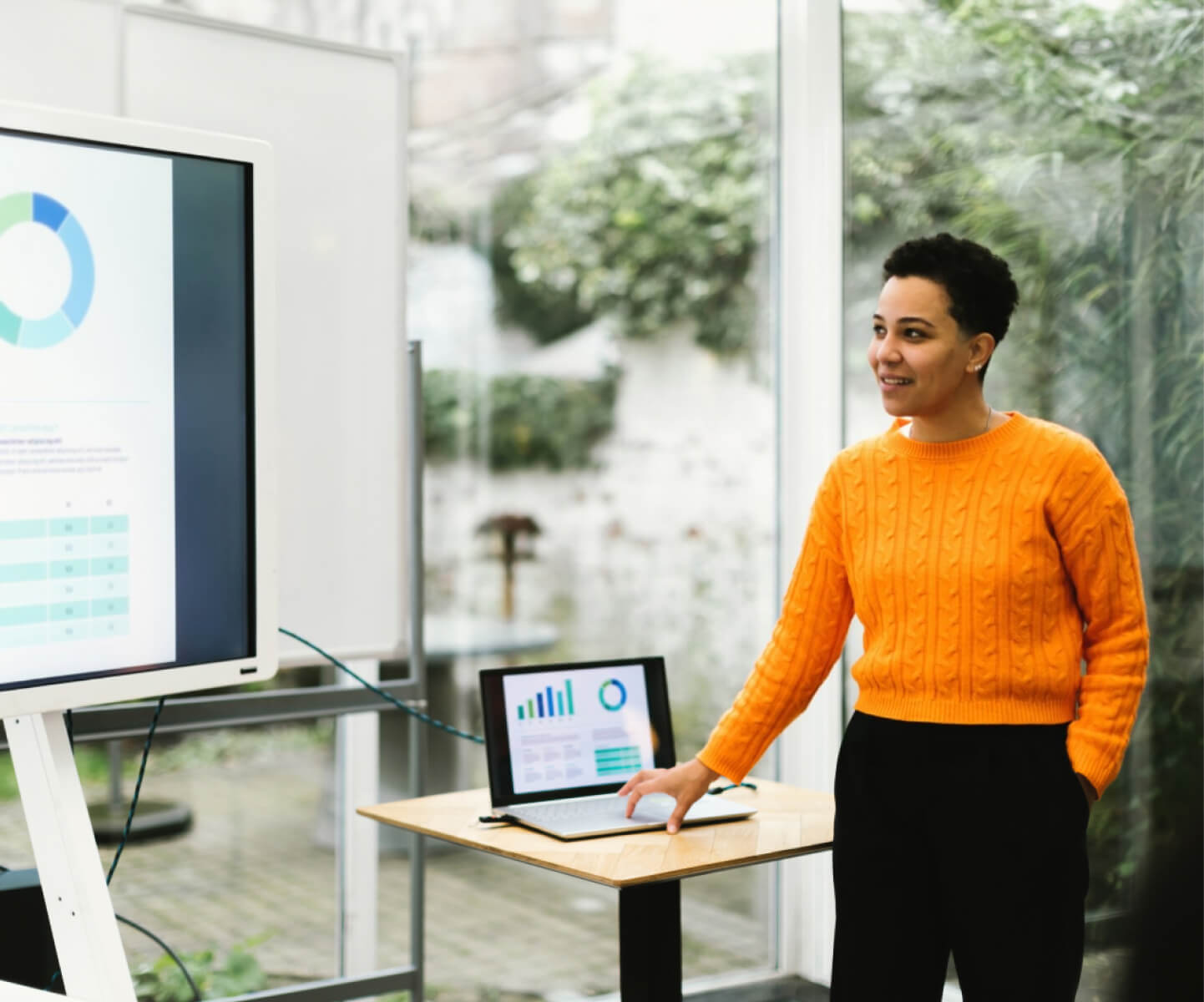
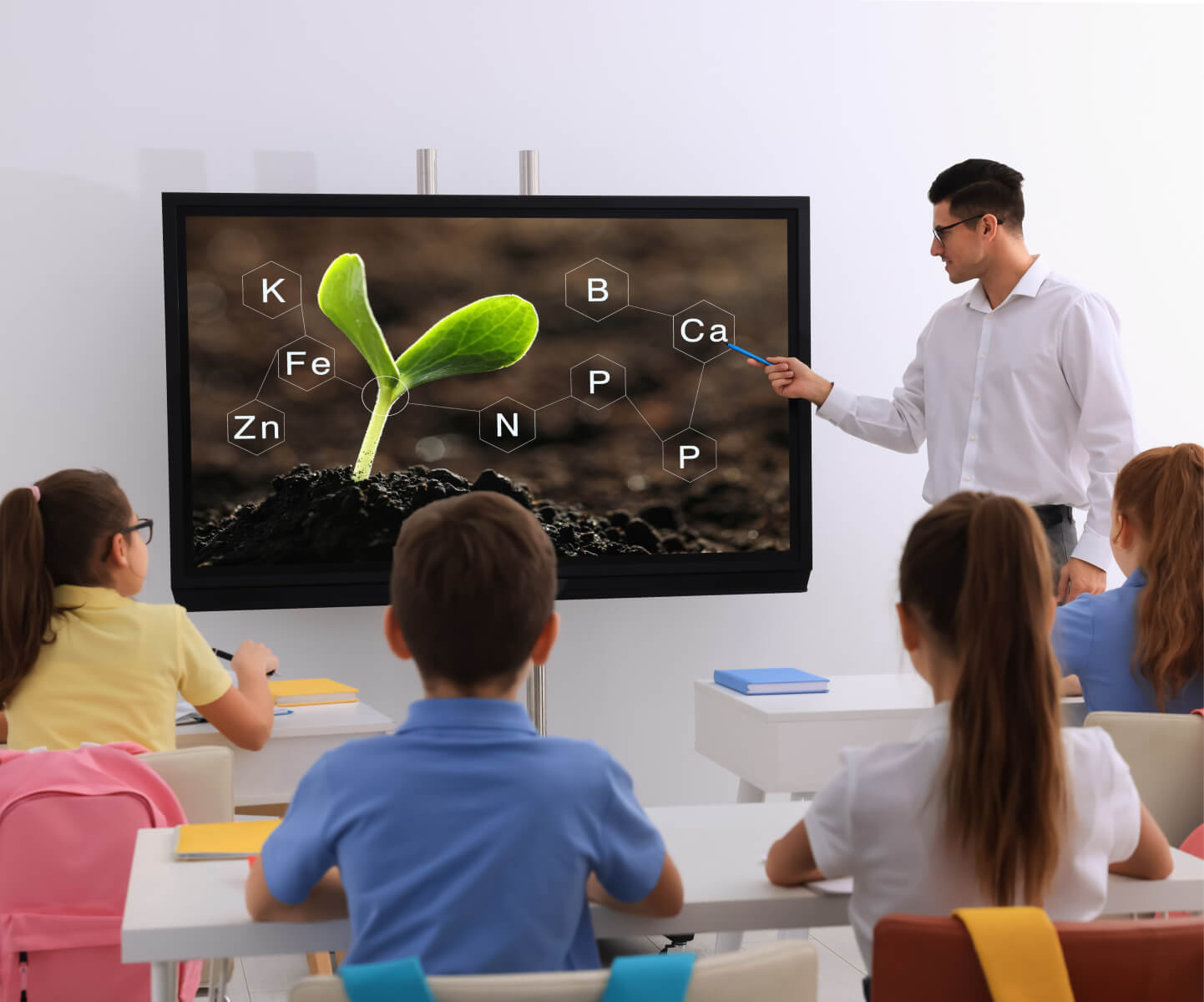
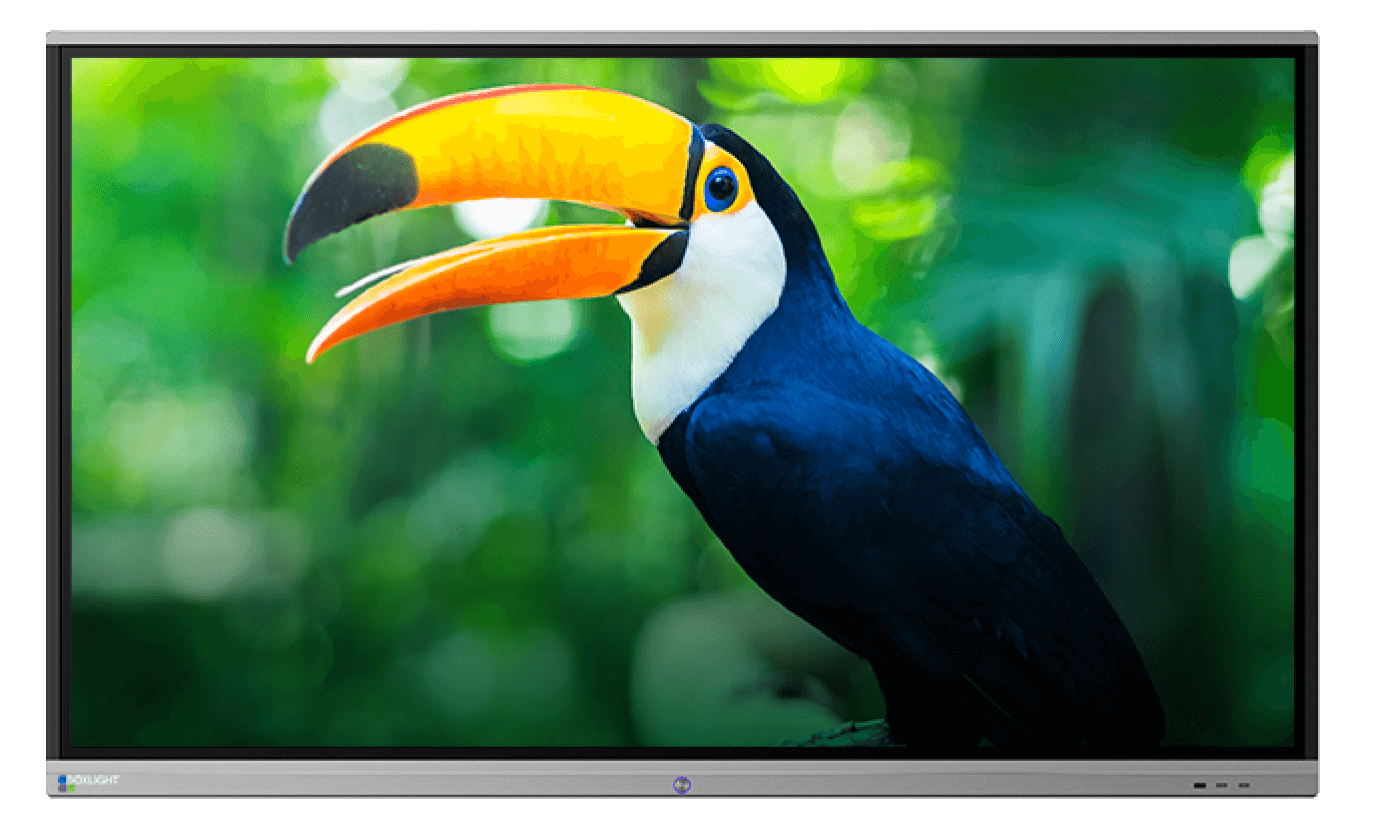
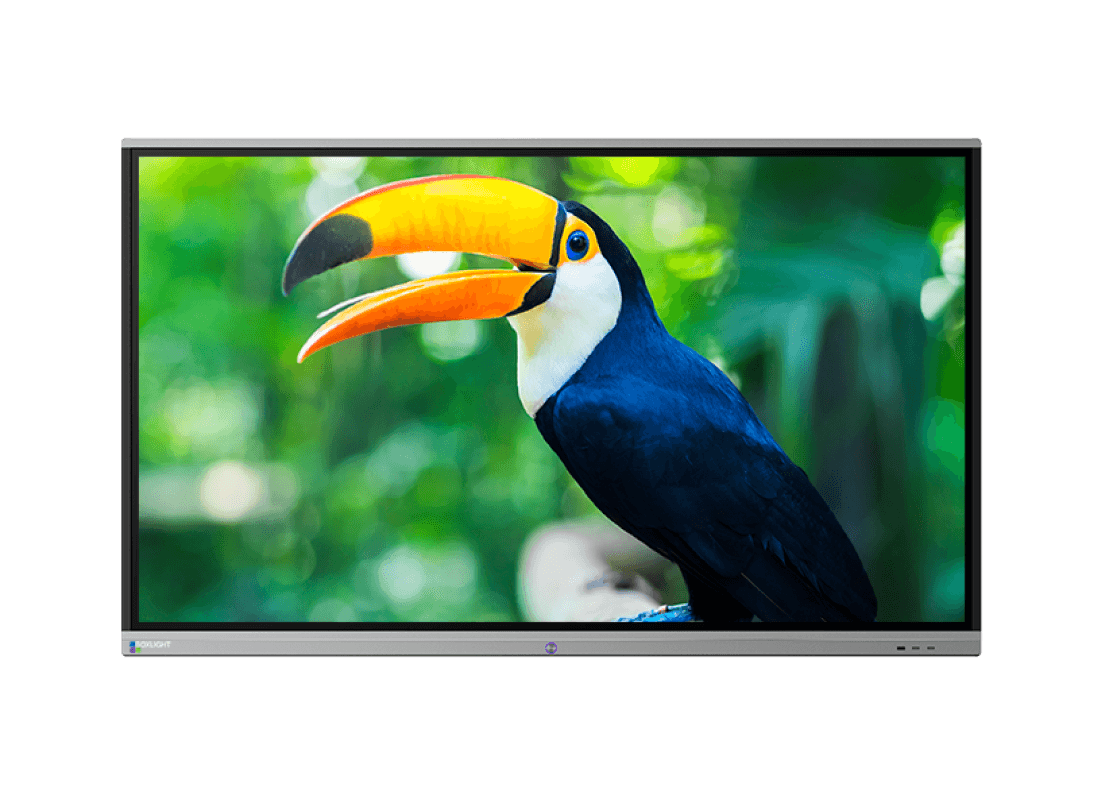
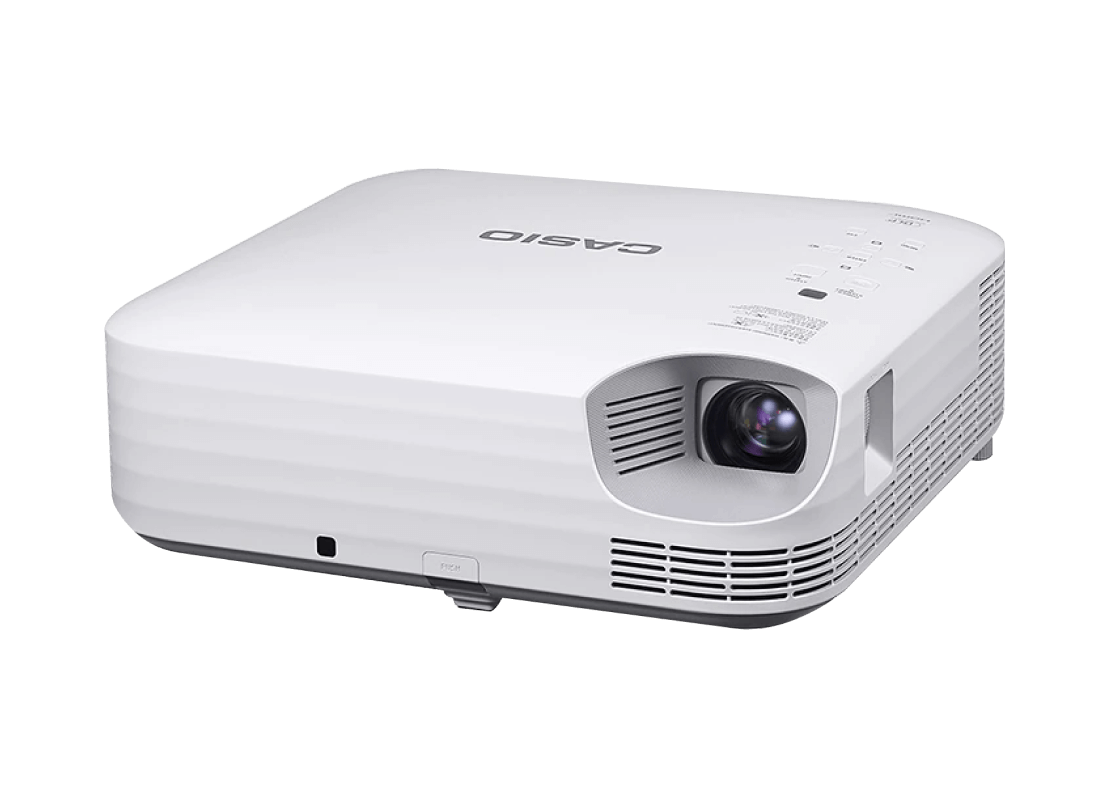
An interactive flat panel (IFP) is an all-in-one touchscreen — a large display, computer, and digital whiteboard built into a single device you mount on the wall. A projector throws an image onto a screen or whiteboard from a distance and may or may not support touch interaction. They solve different problems, and the right one depends on your room and how your teachers teach.
Interactive flat panels win in most standard classrooms. They work in any lighting condition — no need to dim the lights or close the blinds. They support direct touch, annotation, and student collaboration without additional hardware. They require almost no maintenance and can last 7 to 10 years of daily classroom use.
Projectors still make sense in large lecture halls, auditoriums, and very large classrooms where a 100-inch or bigger image is needed and a flat panel that large would cost significantly more. For the typical K-12 classroom or university tutorial room, an interactive flat panel delivers a better teaching experience day after day.
Interactive flat panels win in most standard classrooms. They work in any lighting condition — no need to dim the lights or close the blinds. They support direct touch, annotation, and student collaboration without additional hardware. They require almost no maintenance and can last 7 to 10 years of daily classroom use.
Projectors still make sense in large lecture halls, auditoriums, and very large classrooms where a 100-inch or bigger image is needed and a flat panel that large would cost significantly more. For the typical K-12 classroom or university tutorial room, an interactive flat panel delivers a better teaching experience day after day.
Is an interactive flat panel better than a projector for student engagement?
For most use cases, yes. Interactive flat panels consistently outperform projectors on student engagement because they support direct, hands-on interaction with content — not just passive viewing.
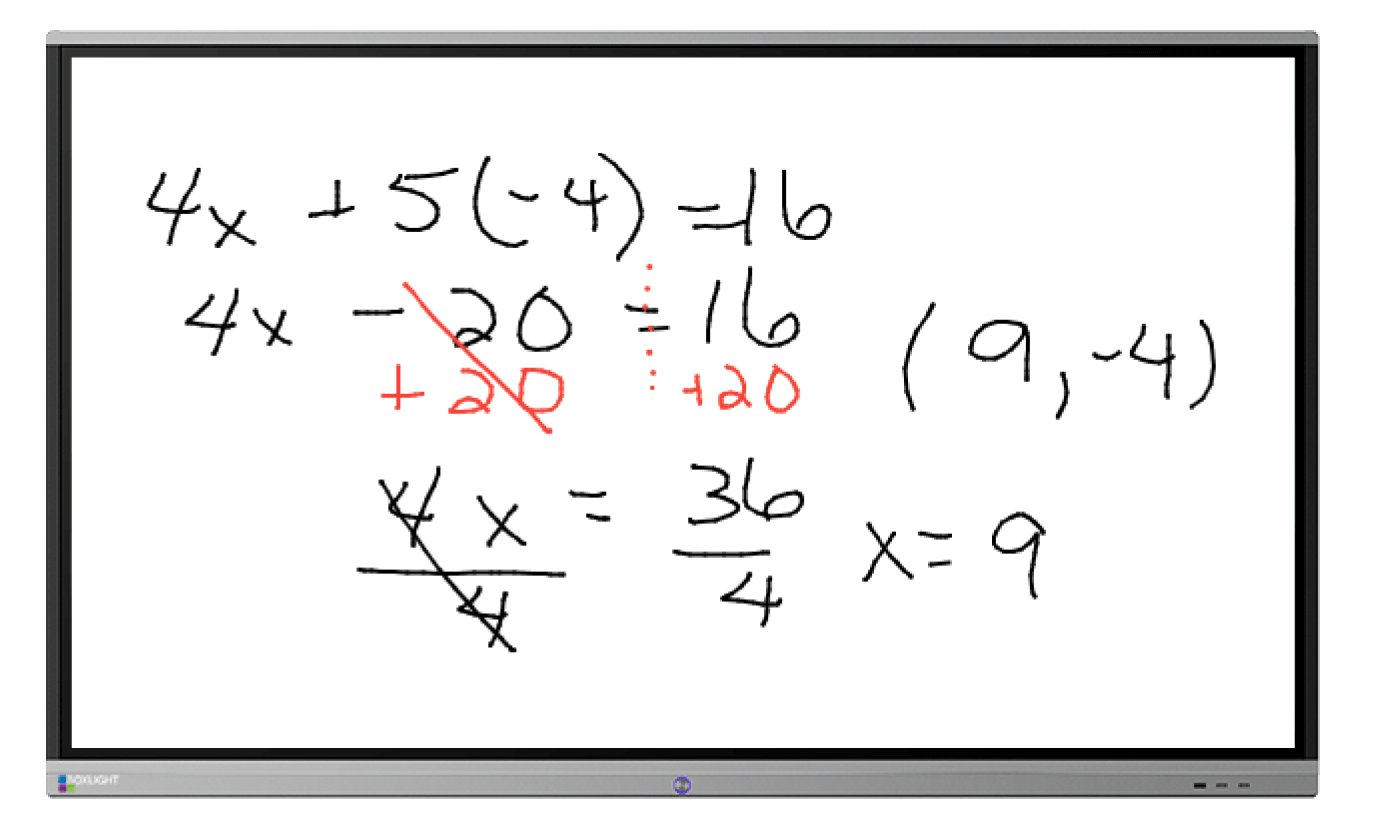
With an interactive flat panel, teachers can annotate over lessons in real time, call students up to the board to solve problems, run collaborative group activities with multiple students touching the screen at once, and save everything created during the lesson for students to review later. This kind of active participation keeps students more focused and improves how well they retain what they've learned.
Projectors can display content well, but interactivity on a projector-based setup often requires additional pens, sensors, or calibration steps that add friction to every lesson. An interactive flat panel works like a large touchscreen — familiar, responsive, and ready to use immediately.
With an interactive flat panel, teachers can annotate over lessons in real time, call students up to the board to solve problems, run collaborative group activities with multiple students touching the screen at once, and save everything created during the lesson for students to review later. This kind of active participation keeps students more focused and improves how well they retain what they've learned.
Projectors can display content well, but interactivity on a projector-based setup often requires additional pens, sensors, or calibration steps that add friction to every lesson. An interactive flat panel works like a large touchscreen — familiar, responsive, and ready to use immediately.
Should our school replace projectors with interactive flat panels, or is it better to upgrade the projectors?
This depends on your room sizes, your budget, and how your teachers currently use the technology. Here's a straightforward way to think through it:
Choose an interactive flat panel if your teachers want to write and annotate on screen regularly, your current projectors are old and need replacing, or maintenance of projector bulbs and calibration is becoming a burden on your IT or facilities team.
Stick with or upgrade projectors if: your spaces are large lecture halls or auditoriums needing a screen bigger than 100 inches, your budget doesn't stretch to flat panels for every room, or your existing projectors are relatively new and still working well.
In many Philippine schools, a practical approach is to install interactive flat panels in standard classrooms where teachers teach daily, and keep or upgrade projectors in larger shared spaces like lecture halls and multipurpose rooms. The Brain Computer Corporation helps schools map out this kind of phased approach based on room-by-room assessment.
Choose an interactive flat panel if your teachers want to write and annotate on screen regularly, your current projectors are old and need replacing, or maintenance of projector bulbs and calibration is becoming a burden on your IT or facilities team.
Stick with or upgrade projectors if: your spaces are large lecture halls or auditoriums needing a screen bigger than 100 inches, your budget doesn't stretch to flat panels for every room, or your existing projectors are relatively new and still working well.
In many Philippine schools, a practical approach is to install interactive flat panels in standard classrooms where teachers teach daily, and keep or upgrade projectors in larger shared spaces like lecture halls and multipurpose rooms. The Brain Computer Corporation helps schools map out this kind of phased approach based on room-by-room assessment.
When does a projector make more sense than an interactive flat panel for a school?
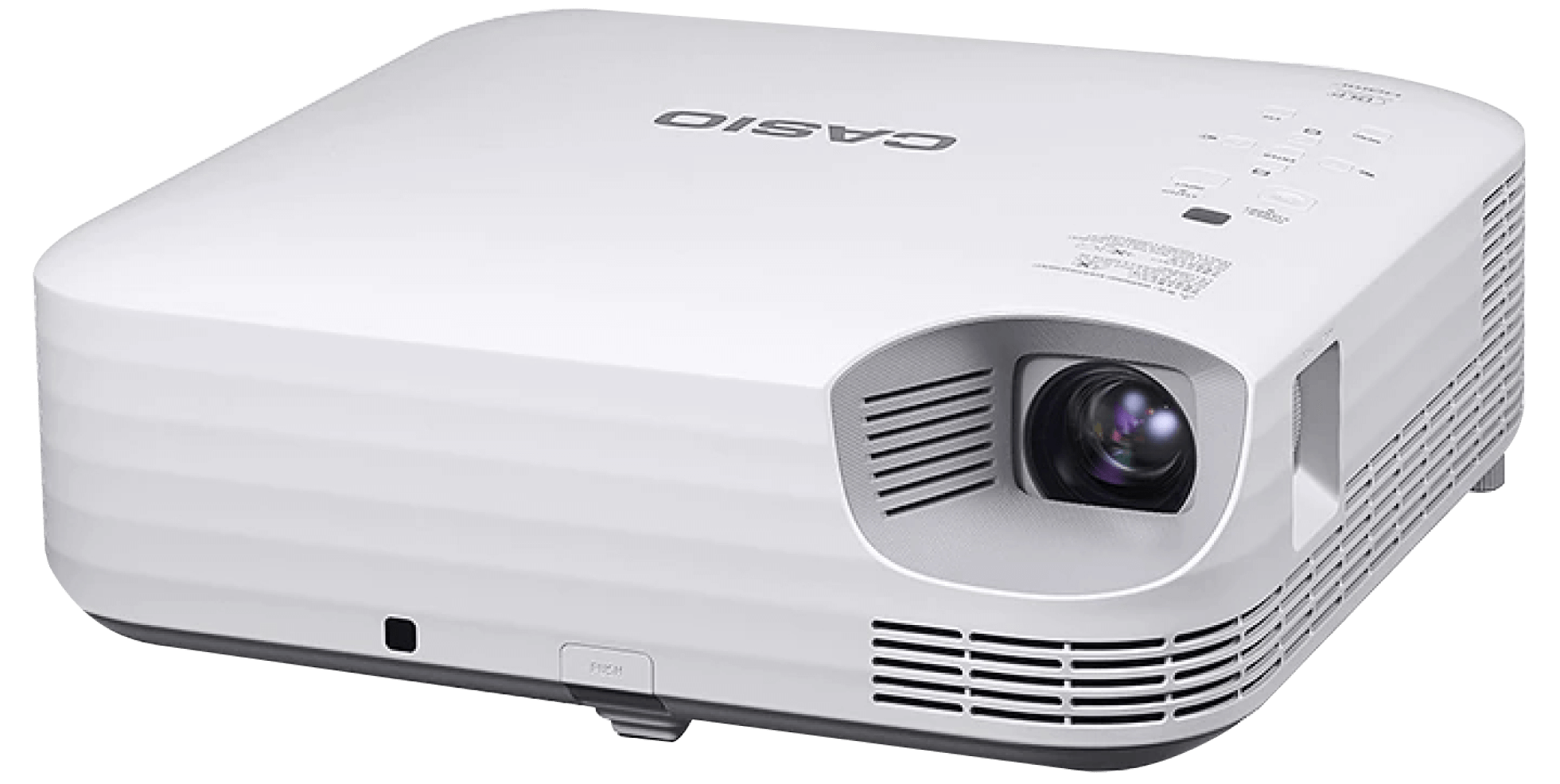
A projector is still the right choice for specific situations. The main one is image size. When a room needs a display bigger than 100 to 120 inches — a large lecture hall, an auditorium, or a school assembly hall — a projector and screen is typically more cost-effective than a flat panel of equivalent size.
Projectors also make sense when a school has a tight initial budget and already has functioning projection screens installed. Upgrading the projector while keeping the existing screen is often cheaper in the short term than replacing everything with flat panels.
The trade-off is long-term maintenance. Lamp-based projectors need bulb replacement every one to three years of regular use, which adds up in cost and inconvenience. LED and laser projectors avoid this, with lifespans of 20,000 to 30,000 hours — making them the recommended choice for any new projector installation in a school setting.
Projectors also make sense when a school has a tight initial budget and already has functioning projection screens installed. Upgrading the projector while keeping the existing screen is often cheaper in the short term than replacing everything with flat panels.
The trade-off is long-term maintenance. Lamp-based projectors need bulb replacement every one to three years of regular use, which adds up in cost and inconvenience. LED and laser projectors avoid this, with lifespans of 20,000 to 30,000 hours — making them the recommended choice for any new projector installation in a school setting.
Interactive Flat Panels in the Classroom
Do teachers need training to use an interactive flat panel?
Very little. Modern interactive flat panels are designed to work like a large smartphone or tablet — familiar enough that most teachers can use the basic functions on day one without formal training.
Core functions like writing on screen, opening an app, mirroring a student's device, or playing a video are all straightforward. Most panels have a simple home screen and respond to touch the same way a phone does.
That said, getting the most out of an interactive flat panel — using the built-in whiteboard tools, running student polling, annotating over a live website, or saving a lesson for later — does benefit from a short training session. Most manufacturers provide free online training videos, and The Brain Computer Corporation includes hands-on setup and familiarisation as part of every school installation.
Core functions like writing on screen, opening an app, mirroring a student's device, or playing a video are all straightforward. Most panels have a simple home screen and respond to touch the same way a phone does.
That said, getting the most out of an interactive flat panel — using the built-in whiteboard tools, running student polling, annotating over a live website, or saving a lesson for later — does benefit from a short training session. Most manufacturers provide free online training videos, and The Brain Computer Corporation includes hands-on setup and familiarisation as part of every school installation.
How long does an interactive flat panel last in a school environment?
A good-quality interactive flat panel lasts 7 to 10 years of normal school use — approximately 50,000 hours of operational life. That's a meaningful improvement over traditional projector-based systems, which require lamp replacement every 2,000 to 6,000 hours and are more vulnerable to damage from the constant setup and calibration involved in daily classroom use.
The durability advantage is especially relevant for Philippine schools, where displays often run for long hours in environments that may not be fully air-conditioned. Choosing a panel with the right brightness rating for your room's ambient temperature and lighting conditions is important for longevity — and something the Brain Computer Corporation assesses during site visits before recommending a specific model.
The durability advantage is especially relevant for Philippine schools, where displays often run for long hours in environments that may not be fully air-conditioned. Choosing a panel with the right brightness rating for your room's ambient temperature and lighting conditions is important for longevity — and something the Brain Computer Corporation assesses during site visits before recommending a specific model.
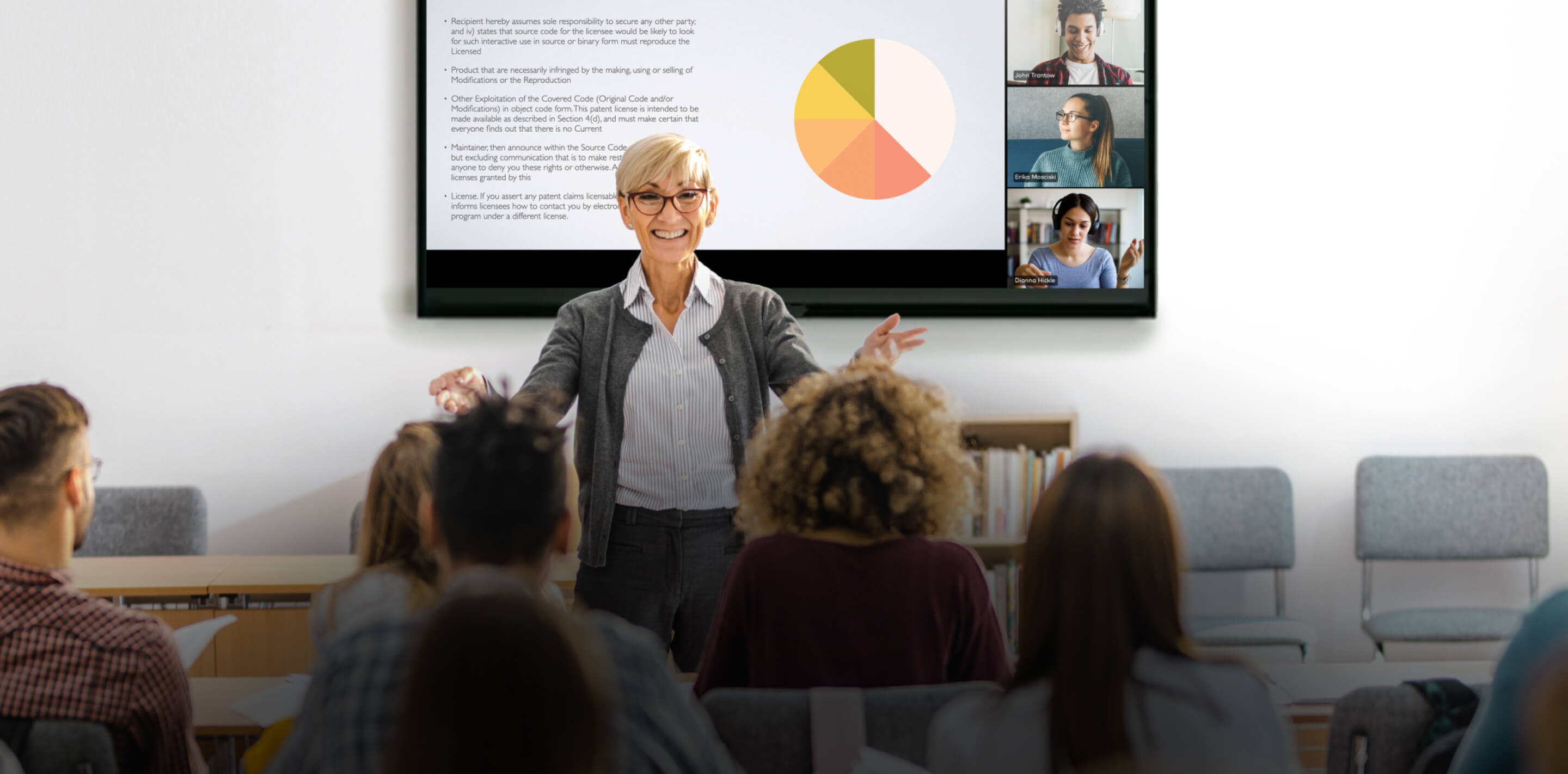
Can an interactive flat panel be used for hybrid classes where some students join remotely?
Yes. Most interactive flat panels include built-in cameras and microphones or support for external cameras, making them well-suited for hybrid lessons where some students are in the classroom and others join via video call.
The teacher can run the lesson from the panel, share the screen with remote students through platforms like Google Meet, Microsoft Teams, or Zoom, and remote students see everything the in-room students see — including live annotations and whiteboard content. Some panels even support split-screen views, so the teacher can see both their lesson content and the video call simultaneously.
For schools investing in hybrid capability, the Brain Computer Corporation can design a setup that integrates the panel with a proper classroom camera and audio system to ensure remote students get a clear, audible, and engaged experience — not just a distant view of the board.
The teacher can run the lesson from the panel, share the screen with remote students through platforms like Google Meet, Microsoft Teams, or Zoom, and remote students see everything the in-room students see — including live annotations and whiteboard content. Some panels even support split-screen views, so the teacher can see both their lesson content and the video call simultaneously.
For schools investing in hybrid capability, the Brain Computer Corporation can design a setup that integrates the panel with a proper classroom camera and audio system to ensure remote students get a clear, audible, and engaged experience — not just a distant view of the board.
Installation, Service, and Warranty
Is delivery and installation included in the quotation?
Yes, delivery and installation are included in the quotation unless otherwise stated.
Do you have in-house technicians for installation, servicing, and support?
Yes, we have in-house technicians who handle installation, servicing, and technical support.
Having in-house service capability means that when a maintenance issue arises, the same team that installed your system is the team that comes to resolve it — with direct knowledge of your specific installation, its configuration, and its history.
Having in-house service capability means that when a maintenance issue arises, the same team that installed your system is the team that comes to resolve it — with direct knowledge of your specific installation, its configuration, and its history.


