



Why Work With Us
Why choose The Brain Computer Corporation over other suppliers?

The Brain Computer Corporation has been delivering AV solutions in the Philippines for over 38 years — making us one of the longest-established audio-visual integration companies in the country. This longevity is not incidental. It reflects a track record of completed projects across retail, corporate, hospitality, education, healthcare, and government sectors; deep relationships with leading hardware manufacturers and technology partners; and a technical team with expertise that takes years of real-world installation experience to develop.
When you work with The Brain Computer Corporation, you are not buying a screen from a supplier. You are engaging a technical partner who will assess your space, specify the right solution for your context, install it to a professional standard, and support it for the life of the asset.
When you work with The Brain Computer Corporation, you are not buying a screen from a supplier. You are engaging a technical partner who will assess your space, specify the right solution for your context, install it to a professional standard, and support it for the life of the asset.
Who are some of The Brain Computer Corporation’s trusted clients?
The Brain Computer Corporation has worked with a wide range of clients, including Gateway Mall, Ayala Malls Circuit, Smart Araneta Coliseum, Novotel, ABS-CBN, Giordano, PAGCOR, and the Cultural Center of the Philippines, among many others.
Do you serve clients outside of Metro Manila?
Yes. The Brain Computer Corporation serves clients across the Philippines, including key commercial centres in Cebu, Davao, Iloilo, Bacolod, Cavite, La Union, Bataan and other provincial and regional locations.
For projects outside Metro Manila, our team coordinates site visits, installation schedules, and after-sales support based on each project's specific location and requirements. Contact us to discuss your project location and we will advise on timelines and logistics.
For projects outside Metro Manila, our team coordinates site visits, installation schedules, and after-sales support based on each project's specific location and requirements. Contact us to discuss your project location and we will advise on timelines and logistics.
All About AirServers
What is an AirServer?
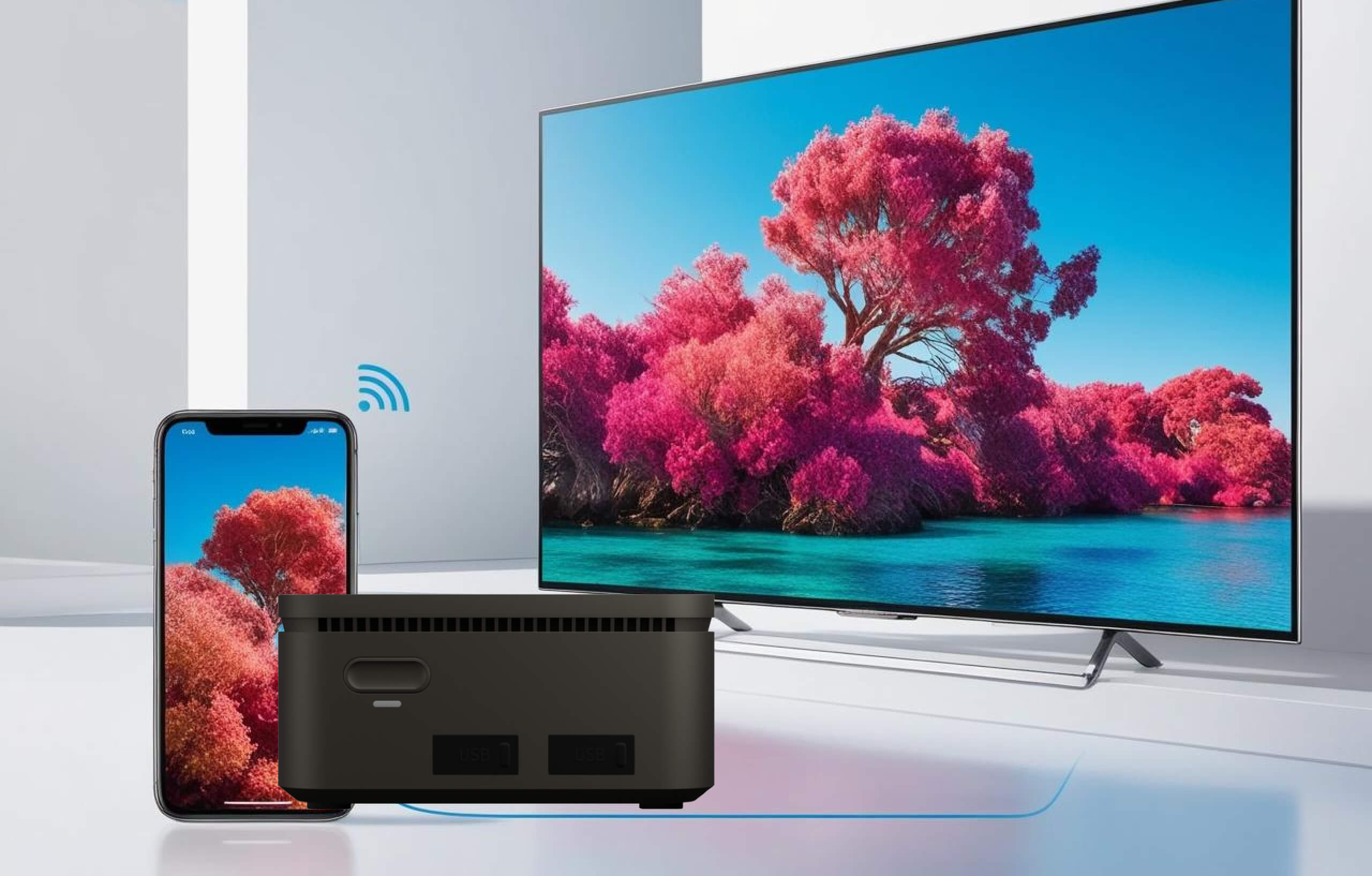
AirServer is a wireless screen mirroring and content-sharing platform that allows laptops, tablets, and smartphones to display their screen on a separate monitor, projector, or interactive display without a cable connection. It works by receiving the native screen mirroring protocols already built into modern devices — AirPlay on Apple devices, Google Cast on Android and Chrome OS, and Miracast on Windows and Samsung devices — meaning the presenter does not need to install any app or driver on their own device to connect.
AirServer is available in two forms: as a standalone hardware receiver (the AirServer Connect product line), a small device that plugs into any display and instantly gives it universal wireless screen mirroring capability, and as software that runs on an existing Windows or Mac computer, turning that computer into a receiver. Both achieve the same outcome — making any screen a destination for wireless content sharing from any connected device.
AirServer is available in two forms: as a standalone hardware receiver (the AirServer Connect product line), a small device that plugs into any display and instantly gives it universal wireless screen mirroring capability, and as software that runs on an existing Windows or Mac computer, turning that computer into a receiver. Both achieve the same outcome — making any screen a destination for wireless content sharing from any connected device.
How does an AirServer work?
AirServer functions as a receiver for the screen mirroring protocols that are already built into virtually every modern laptop, tablet, and phone. When a presenter wants to share their screen, they simply select the AirServer receiver from their own device's built-in screen mirroring menu — the same menu used to mirror to a smart TV at home — and the content appears on the connected display within seconds.
For an Apple device, this means AirPlay; the iPhone, iPad, or Mac shows the AirServer receiver as a destination, and tapping it begins mirroring immediately. For an Android device, this means Google Cast; selecting "Cast" from the device's quick settings or a supported app sends the screen or app content to the AirServer receiver. For a Windows laptop or Samsung device, this means Miracast; selecting "Connect" or "Cast to device" in Windows establishes the wireless display connection, including support for Samsung DeX.
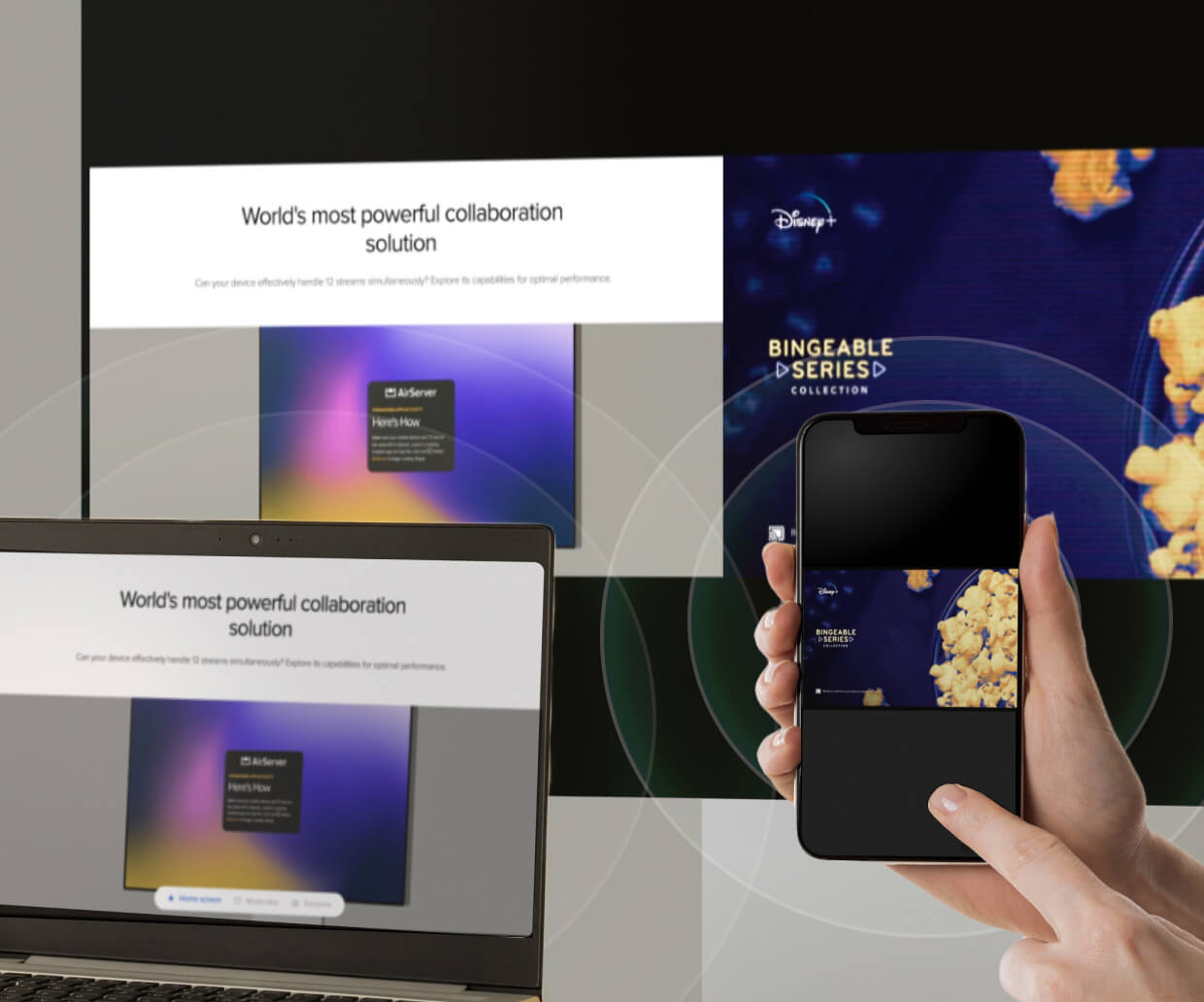
Because AirServer receives all three protocols natively and simultaneously, a single receiver can serve a room full of mixed devices — Apple, Android, and Windows — without requiring presenters to download an app, plug in an adapter, or know which specific protocol their device uses.
For an Apple device, this means AirPlay; the iPhone, iPad, or Mac shows the AirServer receiver as a destination, and tapping it begins mirroring immediately. For an Android device, this means Google Cast; selecting "Cast" from the device's quick settings or a supported app sends the screen or app content to the AirServer receiver. For a Windows laptop or Samsung device, this means Miracast; selecting "Connect" or "Cast to device" in Windows establishes the wireless display connection, including support for Samsung DeX.
Because AirServer receives all three protocols natively and simultaneously, a single receiver can serve a room full of mixed devices — Apple, Android, and Windows — without requiring presenters to download an app, plug in an adapter, or know which specific protocol their device uses.
What devices and platforms does AirServer support?
AirServer supports the three major native screen mirroring protocols, covering virtually every modern laptop, tablet, and phone without requiring any app installation on the presenting device:
- AirPlay 2: For iPhone, iPad, and Mac, including 4K screen mirroring, multi-audio streams, subtitles, playlists, and support for both landscape and portrait orientation
- Google Cast: For Android phones and tablets, Chrome OS devices, and Google Chrome browser, including casting directly from apps such as streaming services, with support for DRM-protected content
- Miracast: For Windows laptops and Samsung devices, including full Samsung DeX support, low-latency 4K casting, and back-channel support for touch, keyboard, mouse, and gamepad input when connected to a touch-enabled display
Do I need to install an app to use AirServer?
No. This is one of AirServer's defining advantages over many competing wireless presentation systems. Because AirServer receives the screen mirroring protocols that are already built into the operating system of modern devices — AirPlay, Google Cast, and Miracast — presenters use the same built-in mirroring function they already use at home to cast to a smart TV. There is no app to download, no driver to install, and no compatibility software required on the presenting laptop, tablet, or phone.
This is a particularly important advantage in environments with frequent guest presenters — client meetings, visiting lecturers, conference rooms used by external partners — where requiring a guest to install software before they can present creates friction and delay. With AirServer, a guest can connect within seconds using only their device's standard sharing function.
This is a particularly important advantage in environments with frequent guest presenters — client meetings, visiting lecturers, conference rooms used by external partners — where requiring a guest to install software before they can present creates friction and delay. With AirServer, a guest can connect within seconds using only their device's standard sharing function.
What is AirServer used for in corporate meeting rooms and boardrooms?
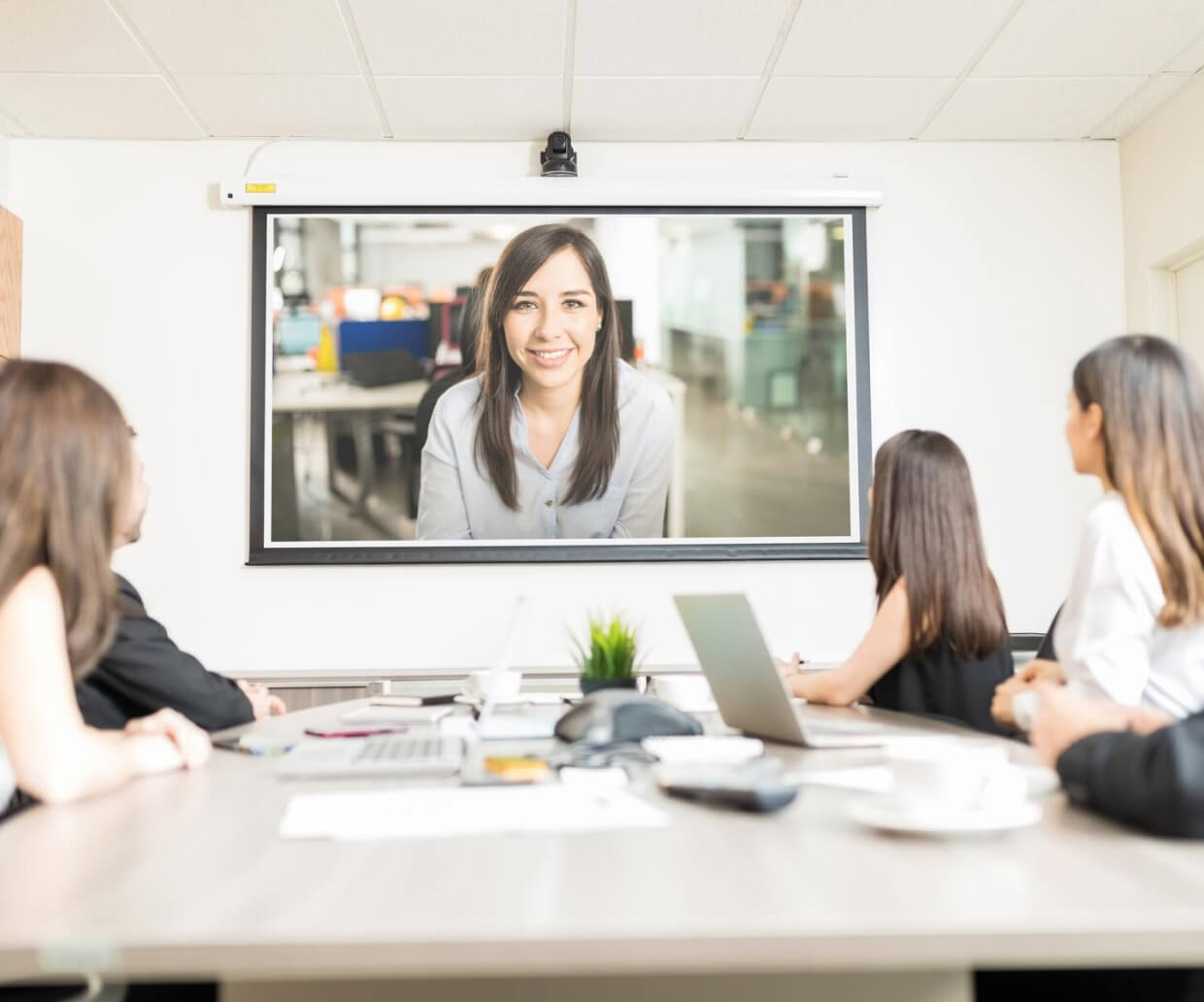
In corporate settings, AirServer enables true Bring-Your-Own-Device (BYOD) presentation: any employee or visiting client can connect their own laptop or phone to the room's display without needing a specific cable, adapter, or pre-installed software — removing one of the most common sources of friction and delay at the start of meetings. Connect 3 additionally supports BYOM (Bring Your Own Meeting) readiness, allowing connection to meeting room peripherals such as USB cameras at full 4K resolution without additional apps or drivers, supporting hybrid and video-conferencing meeting formats.
The built-in session moderation feature, accessible through a web-based moderator portal, gives meeting organisers control over exactly what is displayed on the room's screen at any given time — useful for managing larger meetings, training sessions, or any context where controlling the active presenter adds value.
The built-in session moderation feature, accessible through a web-based moderator portal, gives meeting organisers control over exactly what is displayed on the room's screen at any given time — useful for managing larger meetings, training sessions, or any context where controlling the active presenter adds value.
Can AirServer support live streaming to other rooms or overflow areas?
Yes. AirServer Connect supports live streaming of the connected display's content to other rooms — useful for overflow seating at larger events, town halls, or conferences where the main room cannot accommodate the full audience, or for distributing a presentation to multiple breakout spaces simultaneously. This functions over the local network and does not require an internet connection.
How is AirServer different from simply using an HDMI cable or wireless HDMI dongle?
A standard HDMI cable requires the presenting device to be physically connected, which constrains where a presenter can stand and requires the right cable and adapter to be on hand for the specific laptop or phone in use — a frequent source of delay at the start of meetings, particularly with guest presenters. Basic wireless HDMI dongles typically support only a single device protocol (often just Miracast or a single proprietary app), require an app installation on the presenting device, and generally support only one active connection at a time.
AirServer's core advantage is that it receives all three major native mirroring protocols — AirPlay, Google Cast, and Miracast — simultaneously, without requiring any app installation, and supports multiple concurrent sessions rather than a single device at a time. For any room used by a mixed population of devices — Apple, Android, and Windows, including guests and visitors — this universal compatibility removes a recurring point of friction that single-protocol solutions do not solve.
AirServer's core advantage is that it receives all three major native mirroring protocols — AirPlay, Google Cast, and Miracast — simultaneously, without requiring any app installation, and supports multiple concurrent sessions rather than a single device at a time. For any room used by a mixed population of devices — Apple, Android, and Windows, including guests and visitors — this universal compatibility removes a recurring point of friction that single-protocol solutions do not solve.
Installation, Service, and Warranty
Is delivery and installation included in the quotation?
Yes, delivery and installation are included in the quotation unless otherwise stated.
Do you have in-house technicians for installation, servicing, and support?
Yes, we have in-house technicians who handle installation, servicing, and technical support.
Having in-house service capability means that when a maintenance issue arises, the same team that installed your system is the team that comes to resolve it — with direct knowledge of your specific installation, its configuration, and its history.
Having in-house service capability means that when a maintenance issue arises, the same team that installed your system is the team that comes to resolve it — with direct knowledge of your specific installation, its configuration, and its history.


