

Why Work With Us
Why choose The Brain Computer Corporation over other suppliers?

The Brain Computer Corporation has been delivering AV solutions in the Philippines for over 38 years — making us one of the longest-established audio-visual integration companies in the country. This longevity is not incidental. It reflects a track record of completed projects across retail, corporate, hospitality, education, healthcare, and government sectors; deep relationships with leading hardware manufacturers and technology partners; and a technical team with expertise that takes years of real-world installation experience to develop.
When you work with The Brain Computer Corporation, you are not buying a screen from a supplier. You are engaging a technical partner who will assess your space, specify the right solution for your context, install it to a professional standard, and support it for the life of the asset. We have seen the full evolution of LED display technology — from the earliest large-pitch panels to today's fine-pitch COB and MicroLED systems — and that accumulated knowledge informs every recommendation we make.
When you work with The Brain Computer Corporation, you are not buying a screen from a supplier. You are engaging a technical partner who will assess your space, specify the right solution for your context, install it to a professional standard, and support it for the life of the asset. We have seen the full evolution of LED display technology — from the earliest large-pitch panels to today's fine-pitch COB and MicroLED systems — and that accumulated knowledge informs every recommendation we make.
Who are some of The Brain Computer Corporation’s trusted clients?
The Brain Computer Corporation has worked with a wide range of clients, including Gateway Mall, Ayala Malls Circuit, Smart Araneta Coliseum, Novotel, ABS-CBN, Giordano, PAGCOR, and the Cultural Center of the Philippines, among many others.
Do you serve clients outside of Metro Manila?
Yes. The Brain Computer Corporation serves clients across the Philippines, including key commercial centres in Cebu, Davao, Iloilo, Bacolod, Cavite, La Union, Bataan and other provincial and regional locations.
For projects outside Metro Manila, our team coordinates site visits, installation schedules, and after-sales support based on each project's specific location and requirements. Contact us to discuss your project location and we will advise on timelines and logistics.
For projects outside Metro Manila, our team coordinates site visits, installation schedules, and after-sales support based on each project's specific location and requirements. Contact us to discuss your project location and we will advise on timelines and logistics.
All About Projection Screens
What are the main types of projector screens?
Projector screens fall into three primary categories, each suited to different installation contexts:
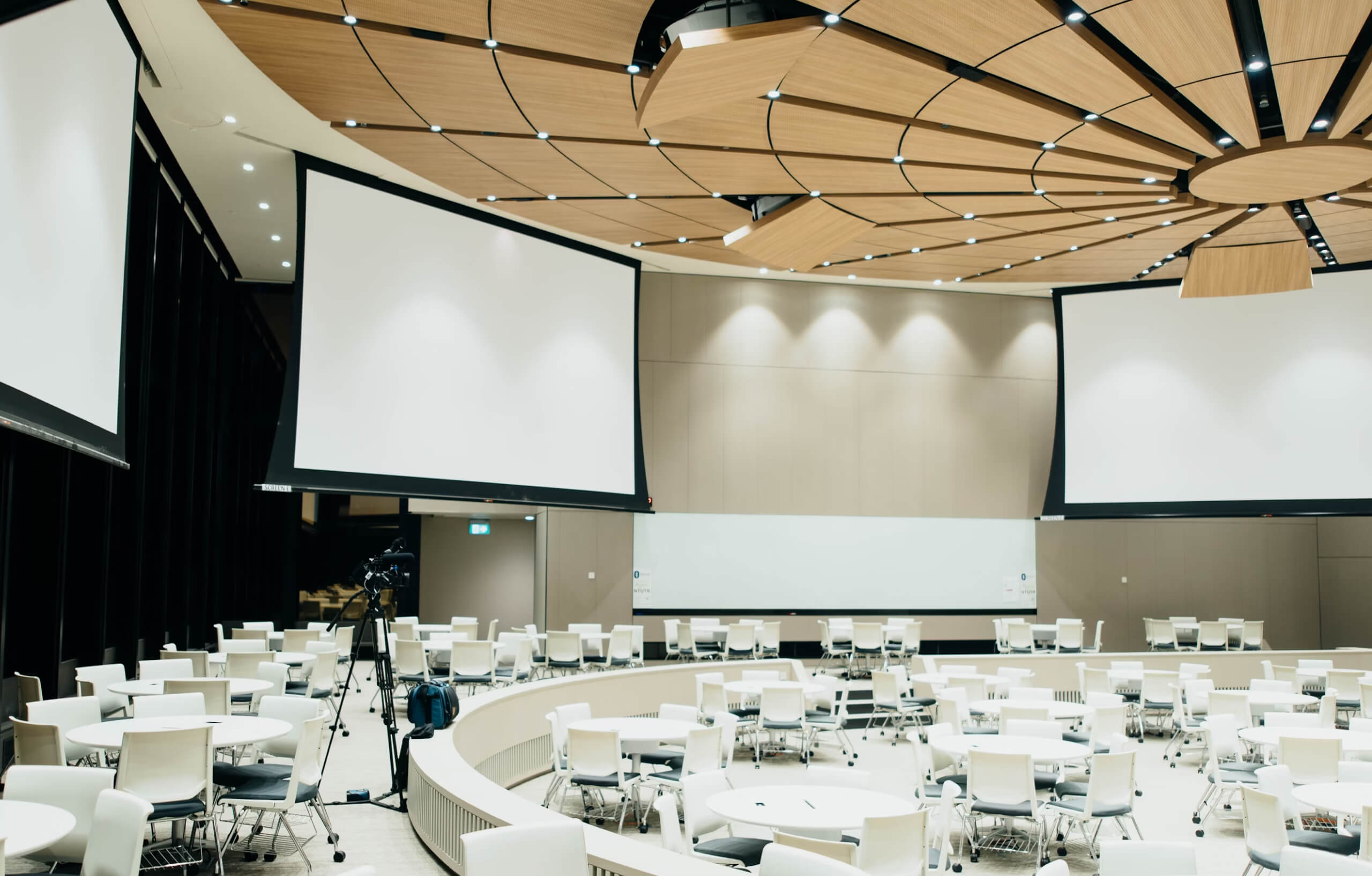
Fixed frame screens are permanently mounted, non-retractable screens stretched over a rigid frame, typically with a black velour border. They deliver the flattest, most uniform projection surface available, since the fabric never needs to roll up and is tensioned once during installation rather than every time it's used. Fixed frame screens are the preferred choice for dedicated presentation rooms, training facilities, and any space where the screen can remain permanently visible.
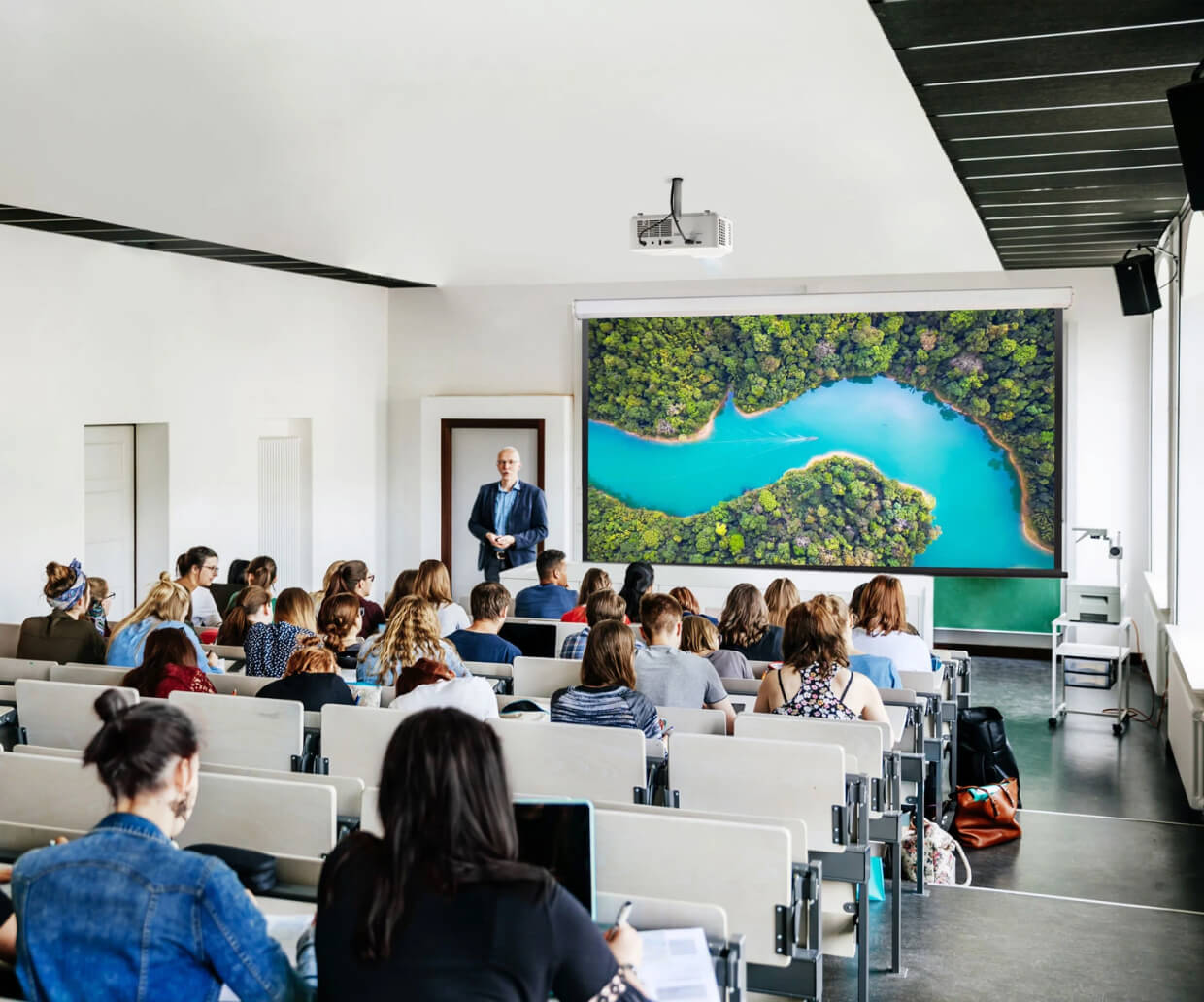
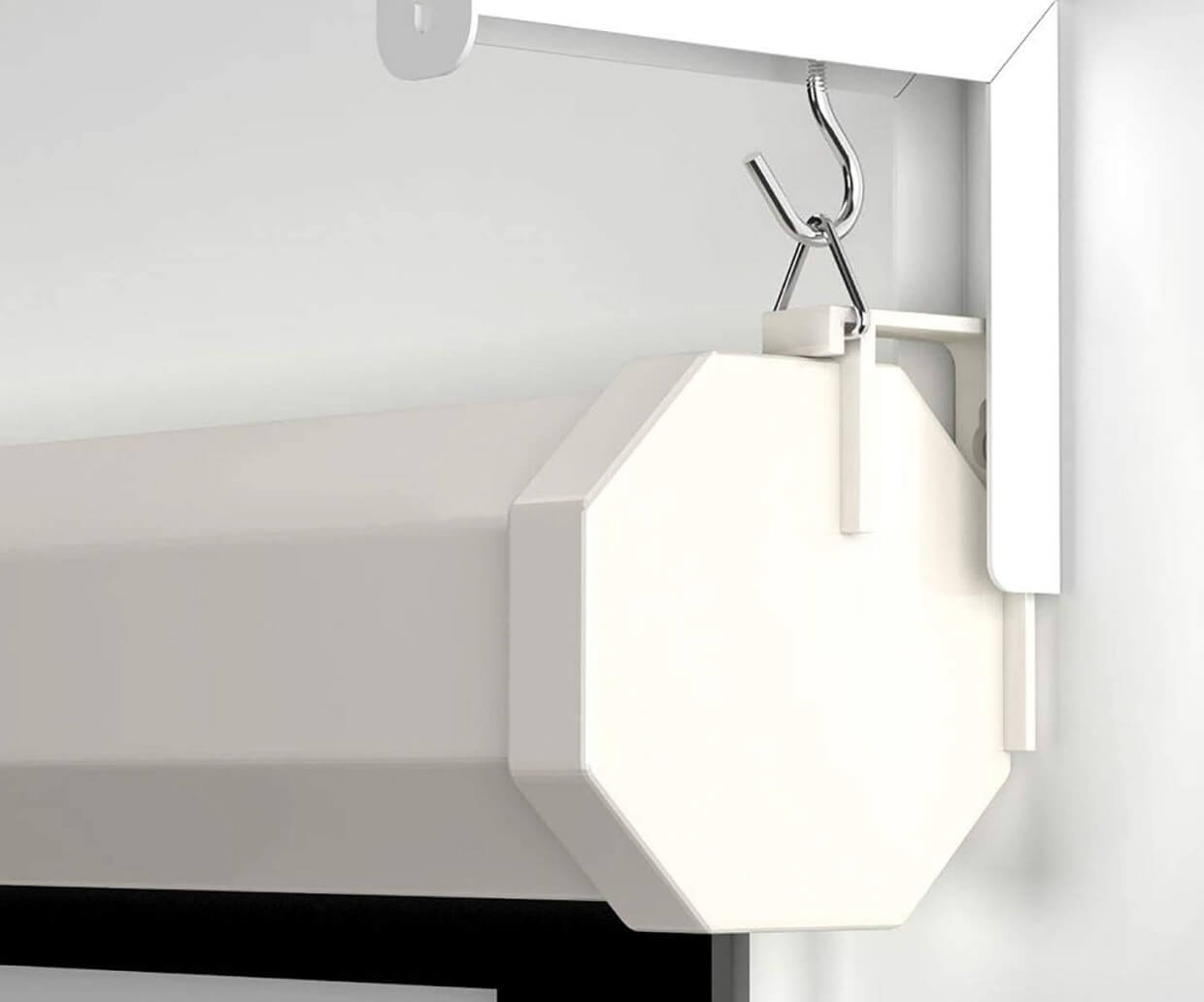
Motorized (retractable) screens roll up into a housing when not in use, either mounted on a wall/ceiling or recessed into the ceiling for a fully concealed installation. They are the standard choice for multi-purpose rooms — boardrooms, classrooms, multipurpose halls — where the wall or ceiling space is needed for other purposes when the screen isn't actively in use.
Portable screens including tripod, floor-rising (pull-up), and tabletop formats are designed for temporary setups, mobile presentations, and venues without permanent installation. They sacrifice some image flatness and tensioning quality compared to fixed or motorized screens but offer maximum flexibility for organisations that present in different locations.
Fixed frame screens are permanently mounted, non-retractable screens stretched over a rigid frame, typically with a black velour border. They deliver the flattest, most uniform projection surface available, since the fabric never needs to roll up and is tensioned once during installation rather than every time it's used. Fixed frame screens are the preferred choice for dedicated presentation rooms, training facilities, and any space where the screen can remain permanently visible.
Motorized (retractable) screens roll up into a housing when not in use, either mounted on a wall/ceiling or recessed into the ceiling for a fully concealed installation. They are the standard choice for multi-purpose rooms — boardrooms, classrooms, multipurpose halls — where the wall or ceiling space is needed for other purposes when the screen isn't actively in use.
Portable screens including tripod, floor-rising (pull-up), and tabletop formats are designed for temporary setups, mobile presentations, and venues without permanent installation. They sacrifice some image flatness and tensioning quality compared to fixed or motorized screens but offer maximum flexibility for organisations that present in different locations.
Should I choose a fixed frame or motorized projector screen?
This depends primarily on whether the room needs to serve other purposes when the screen isn't in use. If you've got the space for it, a fixed frame screen comes with major advantages including better and more uniform tensioning, which prevents wrinkles, a greater variety of sizes and materials, and the ability to have large felt-covered bezels that block the small light border and overspill that many projectors produce at the edge of the image. Fixed frame screens are compatible with virtually all projector types, with one notable exception: ultra-short-throw (UST) projectors with very short throw ratios may not clear the bottom bezel, resulting in a shadow at the base of the image.
Motorized screens are the better choice for any room that needs to function as something else when not presenting — a boardroom that also hosts standard meetings, a multipurpose hall, or a classroom with limited wall space. Installation for a motorized screen is more involved than a fixed frame screen, since it requires power for the electric motor, and most motorized screens include a low-voltage trigger input so the screen lowers automatically when the projector is switched on.
Motorized screens are the better choice for any room that needs to function as something else when not presenting — a boardroom that also hosts standard meetings, a multipurpose hall, or a classroom with limited wall space. Installation for a motorized screen is more involved than a fixed frame screen, since it requires power for the electric motor, and most motorized screens include a low-voltage trigger input so the screen lowers automatically when the projector is switched on.
Can a projector screen be used in a room that can't be darkened?
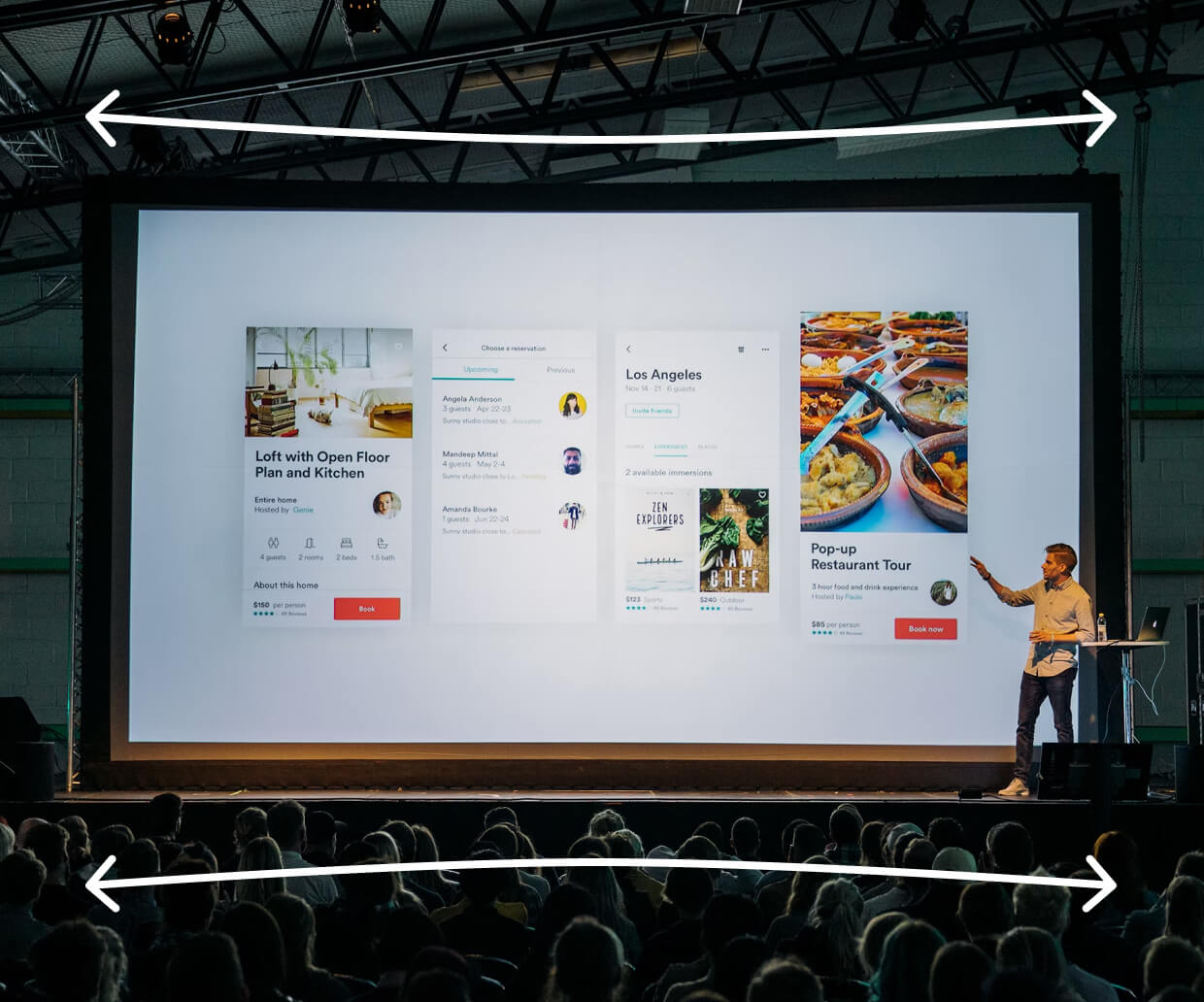
Yes, with the right combination of screen technology and projector brightness. The general principle is straightforward: a large screen in a bright room requires a brighter projector, because the same amount of projected light is spread across a larger surface area, reducing perceived brightness per square inch. For rooms with significant uncontrollable ambient light, the most effective combination is typically a higher-brightness projector (refer to The Brain Computer Corporation's projector FAQ for ANSI lumen guidance by room type) paired with a grey, high-contrast, or ALR screen surface — rather than relying on screen technology alone to compensate for an under-specified projector, or an oversized projector to compensate for the wrong screen surface.
What maintenance does a projector screen require?
Projector screens generally require minimal maintenance, but a few practices help preserve image quality over the screen's operational life: occasional gentle dusting or wiping with a soft, dry cloth to remove surface dust, which otherwise reduces contrast and brightness over time; avoiding contact with the screen surface where possible, since fingerprints and pressure marks can be difficult to fully remove from some fabric types; and, for retractable screens, being mindful that larger debris or grit on the surface before retraction can leave permanent memory creases or dimples in the material, since the screen rolls up tightly around its housing. For motorized screens, periodic checking of the motor and trigger connection ensures the automatic raise/lower function continues to operate reliably over time.
Installation, Service, and Warranty
Is delivery and installation included in the quotation?
Yes, delivery and installation are included in the quotation unless otherwise stated.
Do you have in-house technicians for installation, servicing, and support?
Yes, we have in-house technicians who handle installation, servicing, and technical support.
Having in-house service capability means that when a maintenance issue arises, the same team that installed your system is the team that comes to resolve it — with direct knowledge of your specific installation, its configuration, and its history.
Having in-house service capability means that when a maintenance issue arises, the same team that installed your system is the team that comes to resolve it — with direct knowledge of your specific installation, its configuration, and its history.


