


Why Work With Us
Why choose The Brain Computer Corporation over other suppliers?

The Brain Computer Corporation has been delivering AV solutions in the Philippines for over 38 years — making us one of the longest-established audio-visual integration companies in the country. This longevity is not incidental. It reflects a track record of completed projects across retail, corporate, hospitality, education, healthcare, and government sectors; deep relationships with leading hardware manufacturers and technology partners; and a technical team with expertise that takes years of real-world installation experience to develop.
When you work with The Brain Computer Corporation, you are not buying a screen from a supplier. You are engaging a technical partner who will assess your space, specify the right solution for your context, install it to a professional standard, and support it for the life of the asset.
When you work with The Brain Computer Corporation, you are not buying a screen from a supplier. You are engaging a technical partner who will assess your space, specify the right solution for your context, install it to a professional standard, and support it for the life of the asset.
Who are some of The Brain Computer Corporation’s trusted clients?
The Brain Computer Corporation has worked with a wide range of clients, including Gateway Mall, Ayala Malls Circuit, Smart Araneta Coliseum, Novotel, ABS-CBN, Giordano, PAGCOR, and the Cultural Center of the Philippines, among many others.
Do you serve clients outside of Metro Manila?
Yes. The Brain Computer Corporation serves clients across the Philippines, including key commercial centres in Cebu, Davao, Iloilo, Bacolod, Cavite, La Union, Bataan and other provincial and regional locations.
For projects outside Metro Manila, our team coordinates site visits, installation schedules, and after-sales support based on each project's specific location and requirements. Contact us to discuss your project location and we will advise on timelines and logistics.
For projects outside Metro Manila, our team coordinates site visits, installation schedules, and after-sales support based on each project's specific location and requirements. Contact us to discuss your project location and we will advise on timelines and logistics.
All About Live Video Technologies
What is live video production, and what equipment does it need?
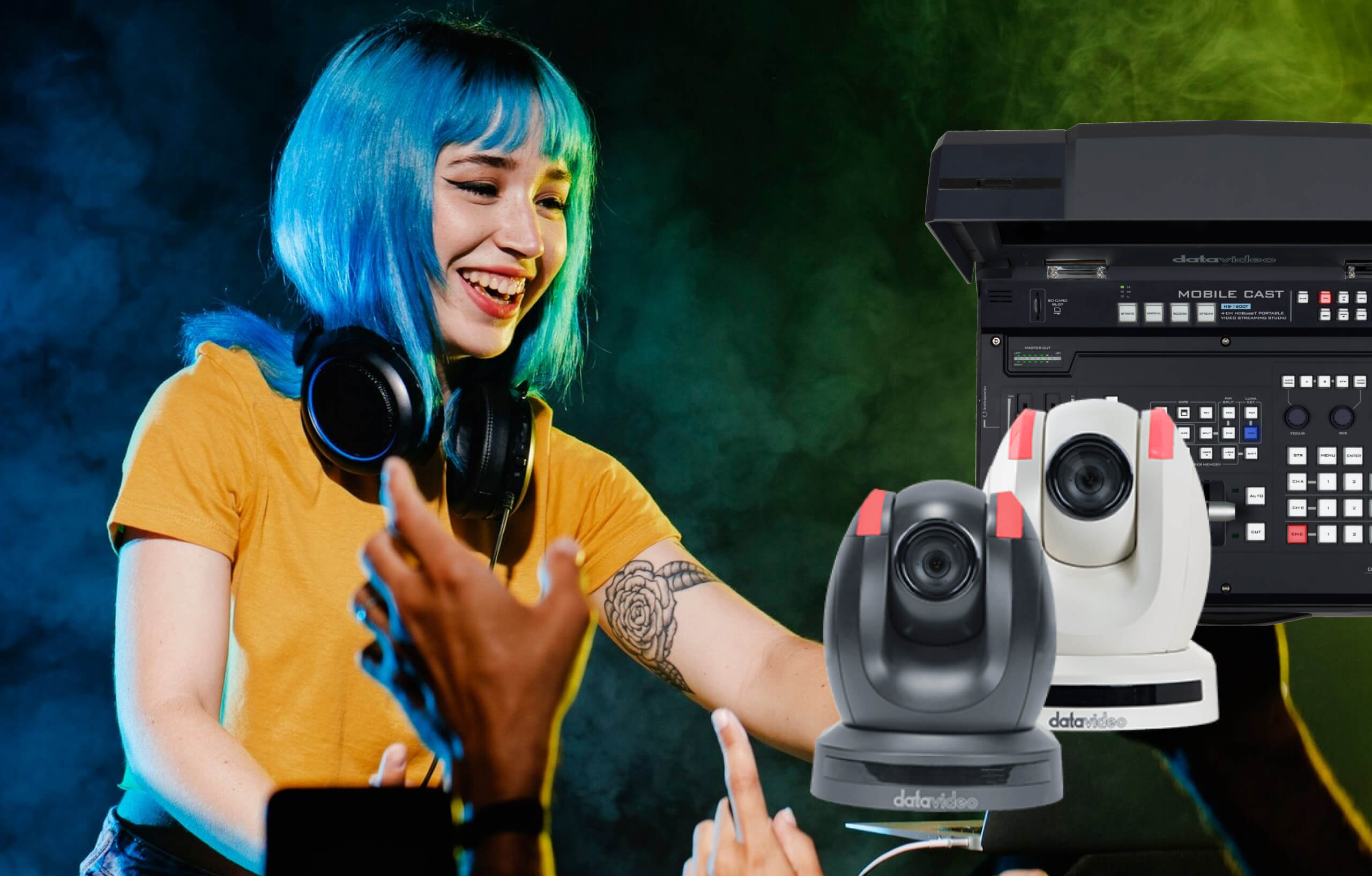
Live video production means capturing video from one or more cameras and turning it into a single, polished video feed in real time, whether that feed goes to a screen in the room, a livestream online, or both at once.
A typical live production setup needs a few core pieces working together:
Cameras capture the picture. Most live productions use more than one camera, so the production can cut between different angles.
A switcher is the control center. It lets an operator (or, increasingly, the system itself) choose which camera feed is "live" at any moment, and it can also add titles, transitions, and picture-in-picture effects.
An encoder converts the final video signal into a format suitable for streaming online, whether to YouTube, Facebook, or a dedicated streaming platform.
A recorder saves a copy of the production to a hard drive or memory card, so you have a permanent file even after the live stream ends.
Smaller productions sometimes combine several of these functions into a single device. Larger productions use dedicated, separate units for each role.
A typical live production setup needs a few core pieces working together:
Cameras capture the picture. Most live productions use more than one camera, so the production can cut between different angles.
A switcher is the control center. It lets an operator (or, increasingly, the system itself) choose which camera feed is "live" at any moment, and it can also add titles, transitions, and picture-in-picture effects.
An encoder converts the final video signal into a format suitable for streaming online, whether to YouTube, Facebook, or a dedicated streaming platform.
A recorder saves a copy of the production to a hard drive or memory card, so you have a permanent file even after the live stream ends.
Smaller productions sometimes combine several of these functions into a single device. Larger productions use dedicated, separate units for each role.
What is a PTZ camera, and why is it used in live production?
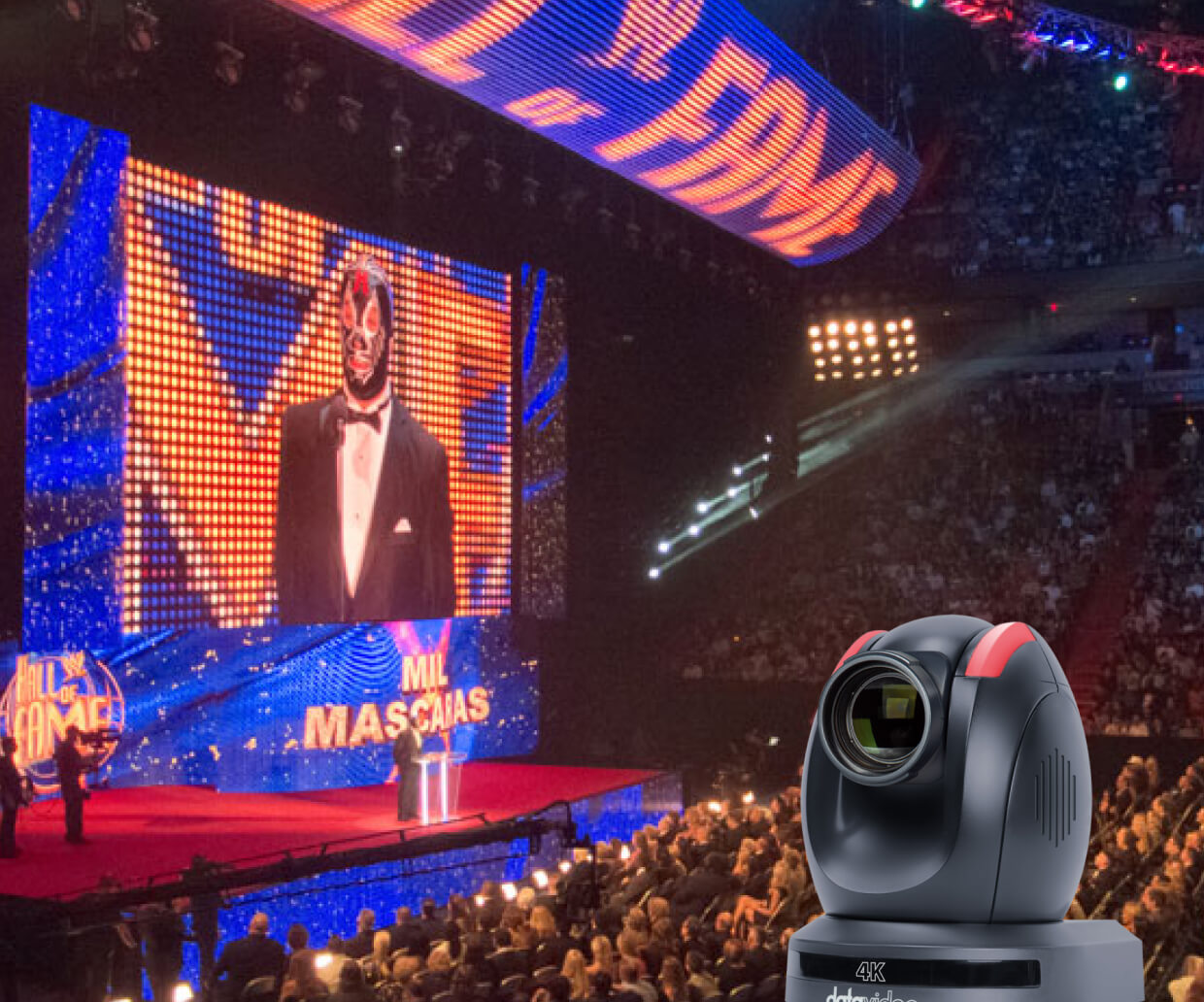
PTZ stands for pan-tilt-zoom. A PTZ camera can rotate left and right, tilt up and down, and zoom in and out, all through remote control, without anyone needing to physically touch the camera during a live event.
This matters for live production because it removes the need for a camera operator standing behind every camera. One person can control several PTZ cameras from a single control panel, switching angles and adjusting framing without leaving their seat. This is especially valuable for churches, classrooms, and small venues that want multi-camera production without hiring a full camera crew.
This matters for live production because it removes the need for a camera operator standing behind every camera. One person can control several PTZ cameras from a single control panel, switching angles and adjusting framing without leaving their seat. This is especially valuable for churches, classrooms, and small venues that want multi-camera production without hiring a full camera crew.
What is auto-tracking on a PTZ camera, and how does it work?
Auto-tracking lets a PTZ camera follow a moving subject, like a speaker walking across a stage, without anyone manually steering the camera. The camera uses built-in software to detect a person and keep them framed in the shot as they move.
This is especially useful for solo presenters, teachers, and worship leaders who move while speaking and don't want to be cut off or lose framing as they walk. Auto-tracking removes the need for a dedicated person to manually follow the speaker with the camera for the entire event.
This is especially useful for solo presenters, teachers, and worship leaders who move while speaking and don't want to be cut off or lose framing as they walk. Auto-tracking removes the need for a dedicated person to manually follow the speaker with the camera for the entire event.
Can I record and livestream at the same time?
Yes. Most live production systems can record a copy of the production locally, to a hard drive or memory card, at the same time it's being streamed out live. This is standard practice for most events, since it gives you both an immediate live audience and a permanent file you can edit, re-upload, or archive afterward.
Some systems can even record each individual camera angle separately, in addition to the final switched program, which gives you more flexibility to re-edit the event later using different camera angles than the ones chosen live.
Some systems can even record each individual camera angle separately, in addition to the final switched program, which gives you more flexibility to re-edit the event later using different camera angles than the ones chosen live.
Installation, Service, and Warranty
How is a live video production system installed?
Installation starts with understanding your space and your production needs: how many cameras, how far they sit from the control area, and whether the system needs to stream, record, or both. From there, cameras get mounted and connected, usually with SDI cable for longer distances or HDMI for short, in-room connections, and the switcher, encoder, and recorder get configured and tested.
For systems using NDI, network setup and testing are an additional step, since video now travels over the same network as other building systems, and needs to be configured correctly to avoid interference with other network traffic.
For systems using NDI, network setup and testing are an additional step, since video now travels over the same network as other building systems, and needs to be configured correctly to avoid interference with other network traffic.
Is delivery and installation included in the quotation?
Yes, delivery and installation are included in the quotation unless otherwise stated.
Do you have in-house technicians for installation, servicing, and support?
Yes, we have in-house technicians who handle installation, servicing, and technical support.
Having in-house service capability means that when a maintenance issue arises, the same team that installed your system is the team that comes to resolve it — with direct knowledge of your specific installation, its configuration, and its history.
Having in-house service capability means that when a maintenance issue arises, the same team that installed your system is the team that comes to resolve it — with direct knowledge of your specific installation, its configuration, and its history.


