




Why Work With Us
Why choose The Brain Computer Corporation over other touch kiosk suppliers?

The Brain Computer Corporation has been delivering AV solutions in the Philippines for over 38 years — making us one of the longest-established audio-visual integration companies in the country. This longevity is not incidental. It reflects a track record of completed projects across retail, corporate, hospitality, education, healthcare, and government sectors; deep relationships with leading hardware manufacturers and technology partners; and a technical team with expertise that takes years of real-world installation experience to develop.
When you work with The Brain Computer Corporation, you are not buying a screen from a supplier. You are engaging a technical partner who will assess your space, specify the right solution for your context, install it to a professional standard, and support it for the life of the asset.
When you work with The Brain Computer Corporation, you are not buying a screen from a supplier. You are engaging a technical partner who will assess your space, specify the right solution for your context, install it to a professional standard, and support it for the life of the asset.
Who are some of The Brain Computer Corporation’s trusted clients?
The Brain Computer Corporation has worked with a wide range of clients, including Gateway Mall, Ayala Malls Circuit, Smart Araneta Coliseum, Novotel, ABS-CBN, Giordano, PAGCOR, and the Cultural Center of the Philippines, among many others.
Do you serve clients outside of Metro Manila?
Yes. The Brain Computer Corporation serves clients across the Philippines, including key commercial centres in Cebu, Davao, Iloilo, Bacolod, Cavite, La Union, Bataan and other provincial and regional locations.
For projects outside Metro Manila, our team coordinates site visits, installation schedules, and after-sales support based on each project's specific location and requirements. Contact us to discuss your project location and we will advise on timelines and logistics.
For projects outside Metro Manila, our team coordinates site visits, installation schedules, and after-sales support based on each project's specific location and requirements. Contact us to discuss your project location and we will advise on timelines and logistics.
All About Touch Kiosks
What is a touch kiosk?
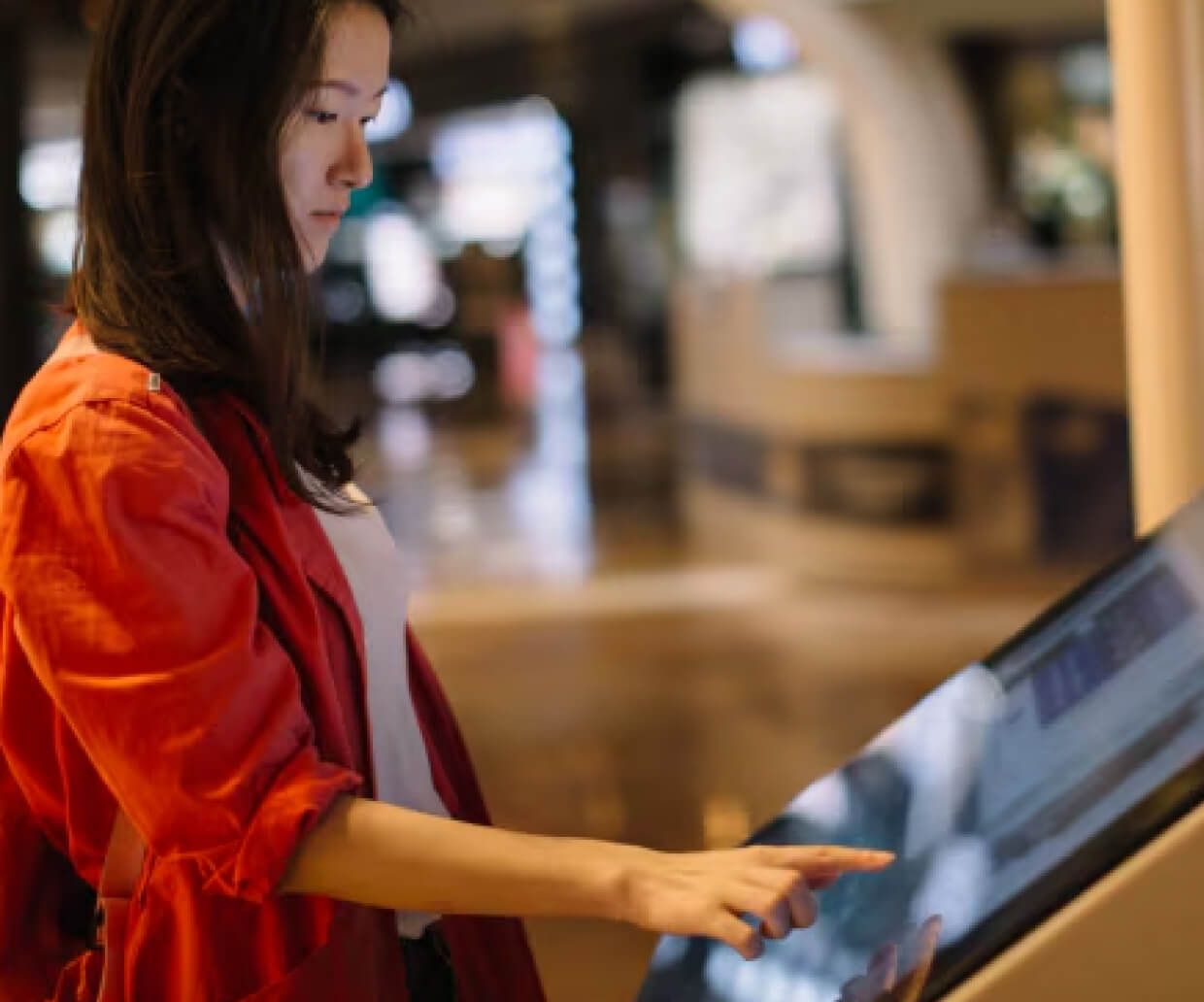
A touch kiosk is a freestanding or wall-mounted interactive display that allows users to engage directly with on-screen content through touch — browsing information, completing transactions, checking in, or navigating a space — without requiring staff assistance. Touch kiosks combine a commercial-grade touchscreen, an embedded computer, and purpose-built software to deliver a specific self-service function: wayfinding, product lookup, check-in, ordering, ticketing, payment, or information access.
Unlike a standard digital signage display, which simply shows content to a passive audience, a touch kiosk is interactive by design — the user directly controls what they see and do. Touch kiosks are widely deployed across retail stores, shopping malls, corporate lobbies, hospitals, hotels, universities, government offices, and transportation hubs in the Philippines and globally.
Unlike a standard digital signage display, which simply shows content to a passive audience, a touch kiosk is interactive by design — the user directly controls what they see and do. Touch kiosks are widely deployed across retail stores, shopping malls, corporate lobbies, hospitals, hotels, universities, government offices, and transportation hubs in the Philippines and globally.
What is the difference between a touch kiosk and a digital signage screen?
The fundamental difference is interactivity. A digital signage screen displays content on a fixed schedule for a passive audience to view — it does not respond to viewer input. A touch kiosk allows the user to actively interact with the display, navigating menus, searching for information, completing a transaction, or controlling what content appears.
This distinction has significant implications for hardware, software, and deployment:
This distinction has significant implications for hardware, software, and deployment:
- Hardware: Touch kiosks require a touchscreen panel (rather than a standard display), more robust internal computing to run interactive software responsively, and often additional peripherals such as printers, scanners, or payment terminals.
- Software: Touch kiosk software must handle user navigation, input validation, session management, and — for transactional kiosks — secure payment processing. Digital signage software focuses on content scheduling and playback.
- Use case: Digital signage is the right choice for one-directional brand messaging and promotions. A touch kiosk is the right choice whenever the objective involves a user completing a task — finding a location, checking in, ordering, or looking up information.
Many deployments combine both: a touch kiosk that displays promotional content when idle, then switches to an interactive interface when a user engages with the screen.
What are the main types of touch kiosks?
Touch kiosks are generally categorised by their primary function:
- Wayfinding kiosks: Interactive maps and directories helping users navigate malls, hospitals, corporate campuses, and university grounds. Typically include search functionality, point-to-point directions, and points-of-interest listings.
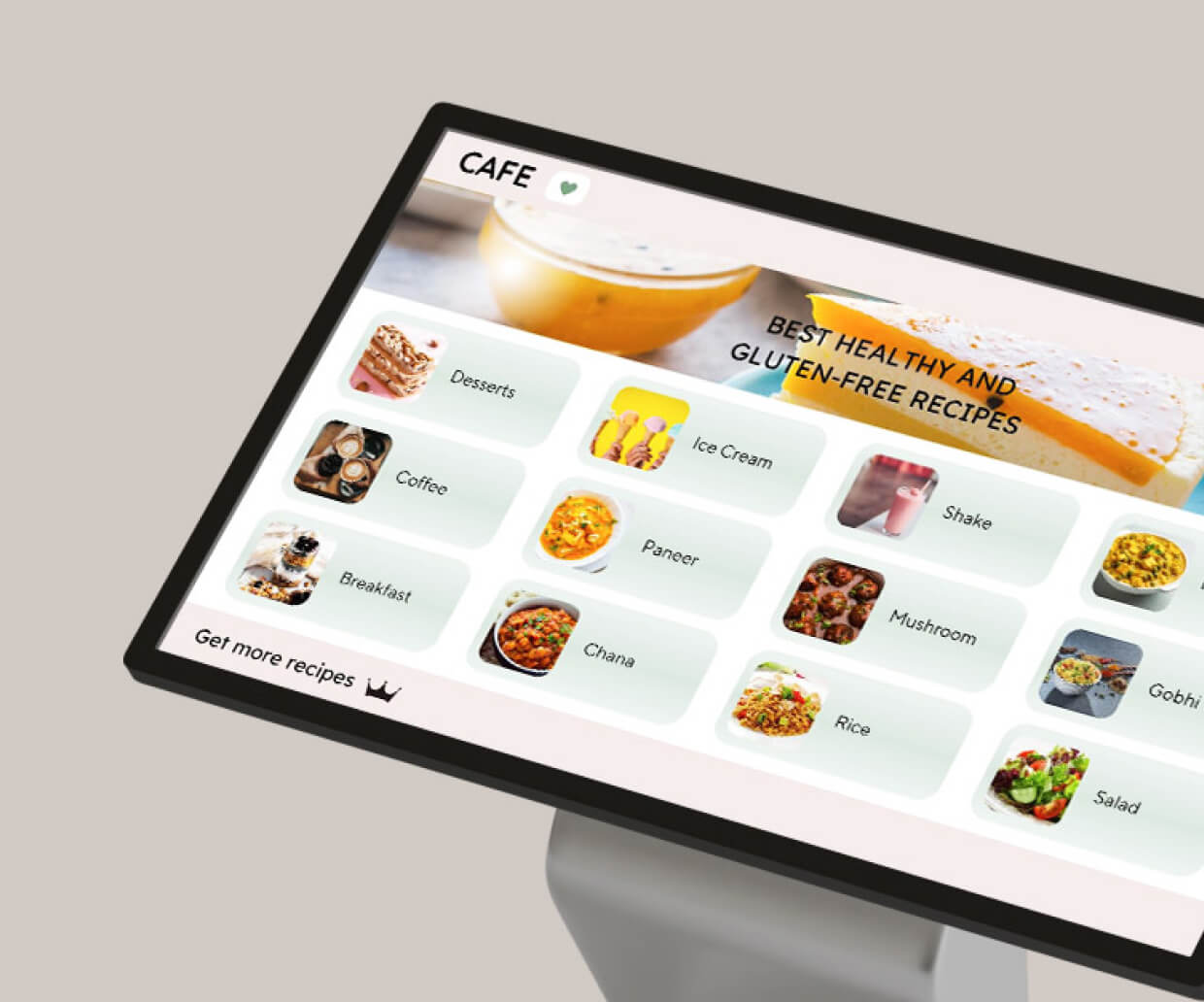
- Self-service ordering kiosks: Used in QSR, fast-casual restaurants, and cafeterias to allow customers to browse menus, customise orders, and pay without queuing at a counter.
- Self-checkout and payment kiosks: Allow customers to scan and pay for items independently in retail environments, reducing queue times and staffing requirements at checkout.
- Information and directory kiosks: Provide general information, FAQs, product catalogues, or service directories in corporate lobbies, government offices, and visitor centres.
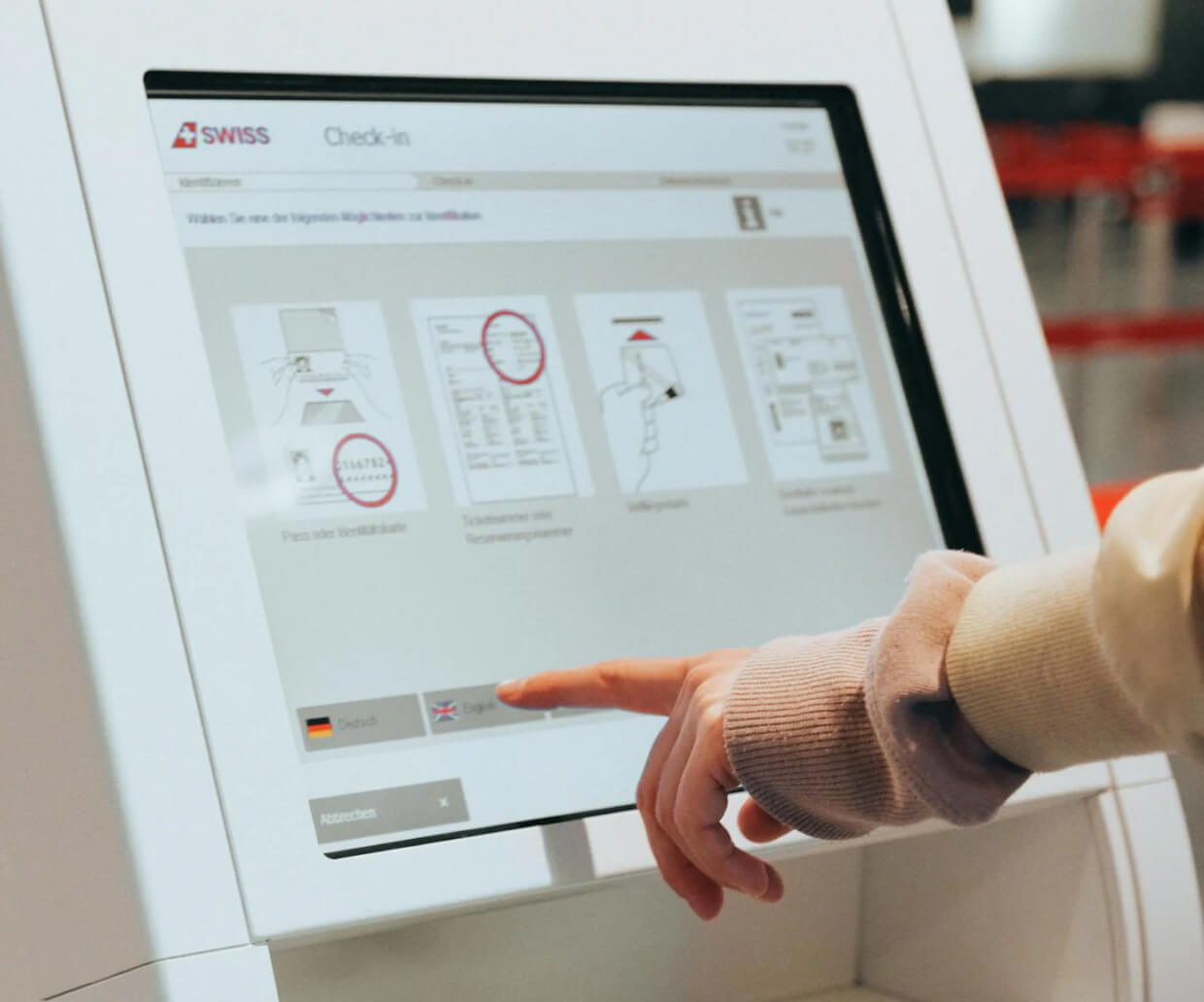
- Check-in kiosks: Used in healthcare facilities, hotels, and events for visitor registration, patient check-in, and appointment confirmation.
- Ticketing kiosks: Allow users to purchase, print, or retrieve tickets for events, transportation, and entertainment venues.
- Visitor management kiosks: Used in corporate and government buildings for visitor sign-in, badge printing, and host notification.
What industries use touch kiosks in the Philippines?
Touch kiosks are deployed across a broad range of Philippine commercial and institutional sectors:
- Retail and shopping malls: Product lookup, mall directories, self-checkout, and loyalty programme enrolment
- Quick-service restaurants and food courts: Self-ordering kiosks that reduce queue times and increase average transaction value through guided upselling
- Corporate offices and BPO campuses: Visitor management, building directories, and employee self-service stations
- Hospitals and clinics: Patient check-in, wayfinding to departments, and queue number issuance
- Hotels and resorts: Guest self-check-in, concierge information, and event directories
- Universities and schools: Campus wayfinding, student information access, and event registration
- Government offices: Citizen self-service stations, queue management, and public information access
- Transportation hubs: Ticketing, wayfinding, and real-time schedule information at terminals and stations
- Banks and financial institutions: Account services, queue management, and product information access
Installation, Service, and Warranty
Is delivery and installation included in the quotation?
Yes, delivery and installation are included in the quotation unless otherwise stated.
Do you have in-house technicians for installation, servicing, and support?
Yes, we have in-house technicians who handle installation, servicing, and technical support.
Having in-house service capability means that when a maintenance issue arises, the same team that installed your system is the team that comes to resolve it — with direct knowledge of your specific installation, its configuration, and its history.
Having in-house service capability means that when a maintenance issue arises, the same team that installed your system is the team that comes to resolve it — with direct knowledge of your specific installation, its configuration, and its history.


