







Why Work With UsDigital Menu Boards — The BasicsUsing AV Displays Effectively in F&B SpacesInstallation, Service, and Warranty
Why Work With Us
Why should schools in the Philippines choose The Brain Computer Corporation for audio-visual education solutions?

The Brain Computer Corporation has been delivering AV solutions in the Philippines for over 38 years — making us one of the longest-established audio-visual integration companies in the country. This longevity is not incidental. It reflects a track record of completed projects across retail, corporate, hospitality, education, healthcare, and government sectors; deep relationships with leading hardware manufacturers and technology partners; and a technical team with expertise that takes years of real-world installation experience to develop.
When you work with The Brain Computer Corporation, you are not buying a screen from a supplier. You are engaging a technical partner who will assess your space, specify the right solution for your context, install it to a professional standard, and support it for the life of the asset. We have seen the full evolution of LED display technology — from the earliest large-pitch panels to today's fine-pitch COB and MicroLED systems — and that accumulated knowledge informs every recommendation we make.
When you work with The Brain Computer Corporation, you are not buying a screen from a supplier. You are engaging a technical partner who will assess your space, specify the right solution for your context, install it to a professional standard, and support it for the life of the asset. We have seen the full evolution of LED display technology — from the earliest large-pitch panels to today's fine-pitch COB and MicroLED systems — and that accumulated knowledge informs every recommendation we make.
Who are some of The Brain Computer Corporation’s trusted clients?
The Brain Computer Corporation has worked with a wide range of clients, including Gateway Mall, Ayala Malls Circuit, Smart Araneta Coliseum, Novotel, ABS-CBN, Giordano, PAGCOR, and the Cultural Center of the Philippines, among many others.
Do you serve clients outside of Metro Manila?
Yes. The Brain Computer Corporation serves clients across the Philippines, including key commercial centres in Cebu, Davao, Iloilo, Bacolod, Cavite, La Union, Bataan and other provincial and regional locations.
For projects outside Metro Manila, our team coordinates site visits, installation schedules, and after-sales support based on each project's specific location and requirements. Contact us to discuss your project location and we will advise on timelines and logistics.
For projects outside Metro Manila, our team coordinates site visits, installation schedules, and after-sales support based on each project's specific location and requirements. Contact us to discuss your project location and we will advise on timelines and logistics.
Digital Menu Boards — The Basics
What is a digital menu board, and does my restaurant actually need one?
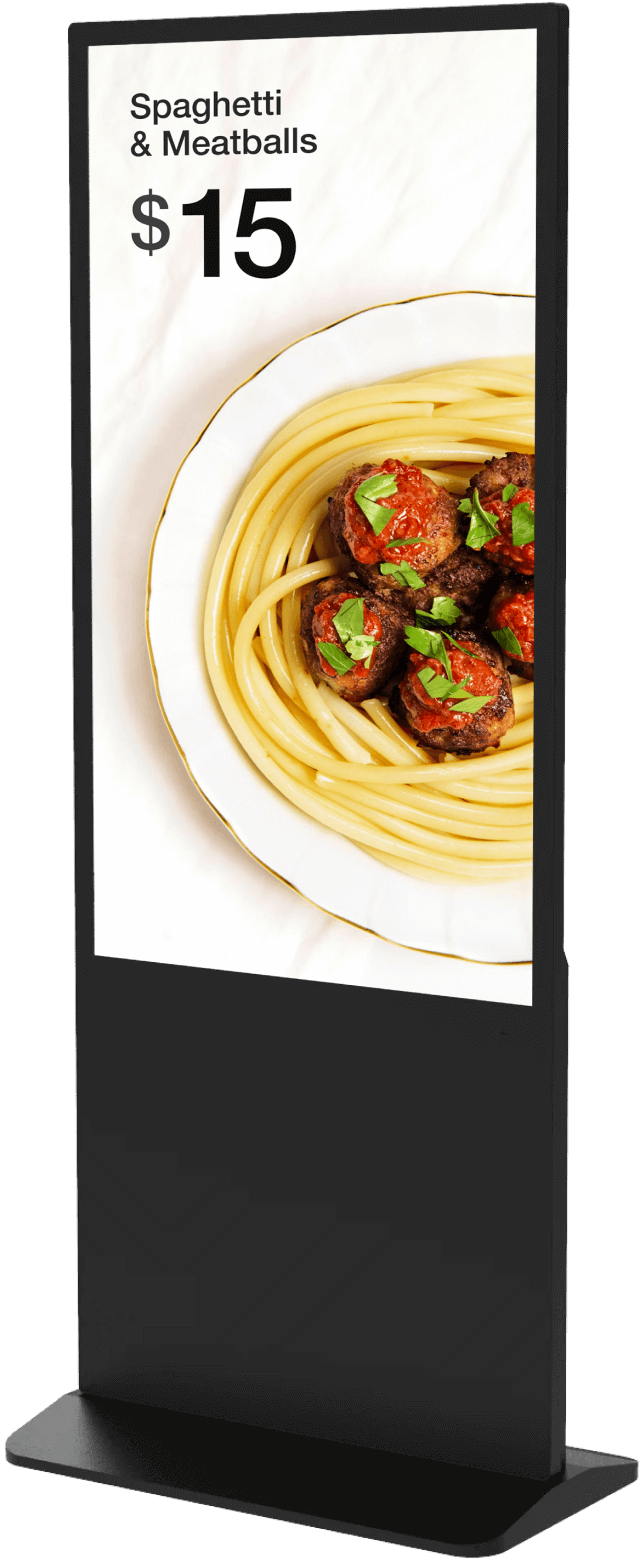
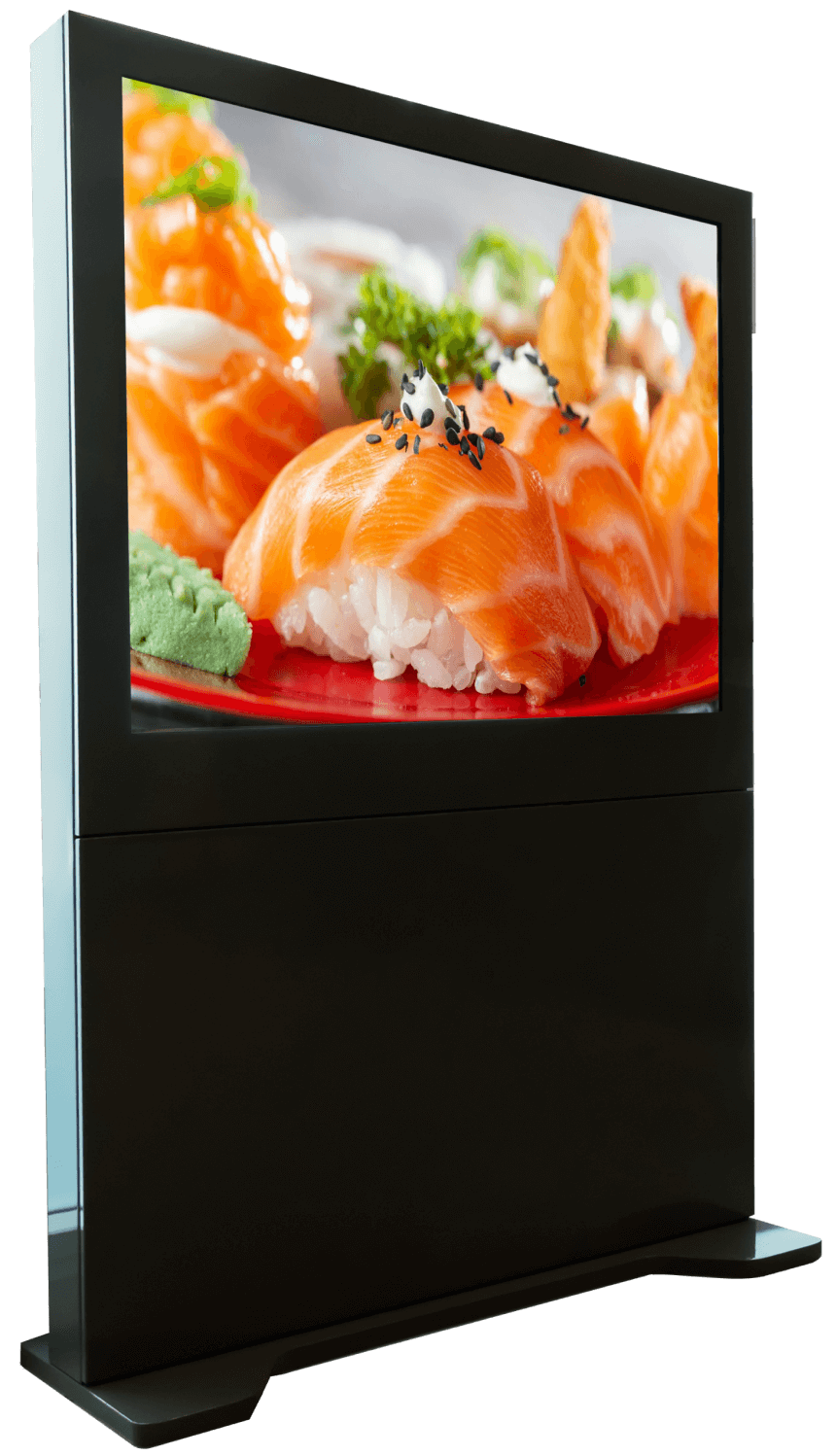
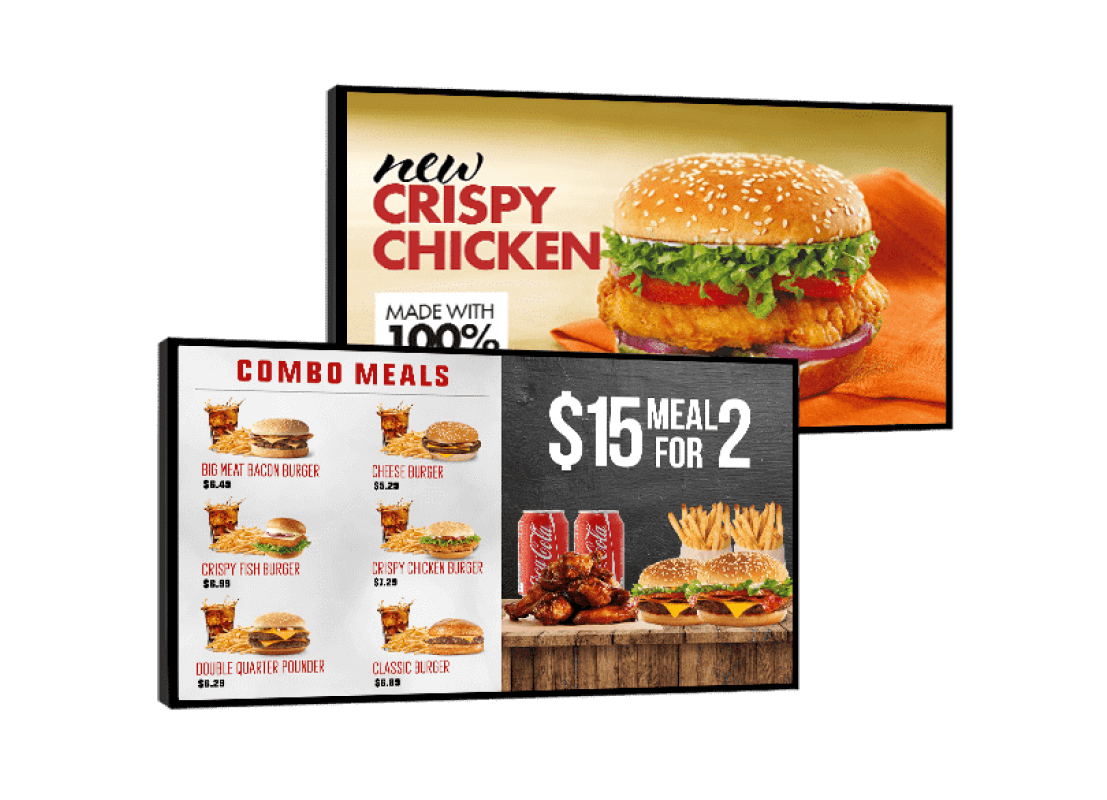
A digital menu board is a commercial display screen that shows your menu, prices, and promotions instead of a printed or static illuminated sign. It connects to a content management system (CMS) — software you access from your phone or computer — so you can update what's on screen instantly, from anywhere, without reprinting a thing.
Most restaurants and food service businesses benefit from making the switch. Here's the simplest reason: every time your printed menu needs to change — a price update, a sold-out item, a new promotion — you spend time, money, and effort reprinting. Digital menu boards eliminate that entirely. A price change takes seconds. A seasonal special goes live the moment you type it. A sold-out item disappears from the screen automatically if your system is linked to your POS.
Operators who switch to digital menu boards typically report a 3% to 5% increase in average order value from better item placement and motion-based upsell prompts. Most single-location F&B businesses recover their investment within 9 to 12 months from a combination of eliminated print costs, fewer ordering errors, and higher ticket sizes.
The Brain Computer Corporation supplies and installs digital menu boards and F&B signage solutions across the Philippines, for single-location restaurants through to multi-branch chains.
Most restaurants and food service businesses benefit from making the switch. Here's the simplest reason: every time your printed menu needs to change — a price update, a sold-out item, a new promotion — you spend time, money, and effort reprinting. Digital menu boards eliminate that entirely. A price change takes seconds. A seasonal special goes live the moment you type it. A sold-out item disappears from the screen automatically if your system is linked to your POS.
Operators who switch to digital menu boards typically report a 3% to 5% increase in average order value from better item placement and motion-based upsell prompts. Most single-location F&B businesses recover their investment within 9 to 12 months from a combination of eliminated print costs, fewer ordering errors, and higher ticket sizes.
The Brain Computer Corporation supplies and installs digital menu boards and F&B signage solutions across the Philippines, for single-location restaurants through to multi-branch chains.
What is the difference between a digital menu board and regular digital signage?
Digital menu boards are a specific type of digital signage — one built around food service needs. Both use commercial screens, media players, and content management software. But digital menu boards have two things that make them different from general digital signage.
More frequent content changes. Menus change constantly. Items sell out. Prices shift. Daily specials rotate. A digital menu board setup is designed to make these updates fast, easy, and automatic — often pulling data directly from your POS or inventory system so the screen always reflects what's actually available.
Food service-specific layouts and tools. Digital menu board software comes with templates built for F&B — with sections for categories, item images, pricing, and promotions, laid out the way a menu should look rather than a generic advertising slide.
General digital signage is better suited for brand promotion, entertainment, and ambient display. Digital menu boards are built around the practical operational needs of a food service business running through multiple mealtimes every day.
More frequent content changes. Menus change constantly. Items sell out. Prices shift. Daily specials rotate. A digital menu board setup is designed to make these updates fast, easy, and automatic — often pulling data directly from your POS or inventory system so the screen always reflects what's actually available.
Food service-specific layouts and tools. Digital menu board software comes with templates built for F&B — with sections for categories, item images, pricing, and promotions, laid out the way a menu should look rather than a generic advertising slide.
General digital signage is better suited for brand promotion, entertainment, and ambient display. Digital menu boards are built around the practical operational needs of a food service business running through multiple mealtimes every day.
Can digital menu boards automatically change based on the time of day?
Yes. This feature is called daypart scheduling, and it's one of the most valuable things a digital menu board can do for an F&B business.
You set it up once. After that, the screen shifts from your breakfast menu to your lunch menu to your dinner menu — or your afternoon snacks to your happy hour specials — automatically at the times you specify. No one needs to touch the screen or log into any system. The right menu is always showing at the right time.
For a cafe running an all-day breakfast alongside a lunch service, a QSR with a separate breakfast and lunch board, or a bar switching from a food menu to a drinks board in the evening, daypart scheduling removes a daily manual task entirely and makes sure customers always see the most relevant options for the time they walk in.
You set it up once. After that, the screen shifts from your breakfast menu to your lunch menu to your dinner menu — or your afternoon snacks to your happy hour specials — automatically at the times you specify. No one needs to touch the screen or log into any system. The right menu is always showing at the right time.
For a cafe running an all-day breakfast alongside a lunch service, a QSR with a separate breakfast and lunch board, or a bar switching from a food menu to a drinks board in the evening, daypart scheduling removes a daily manual task entirely and makes sure customers always see the most relevant options for the time they walk in.
How many screens does my restaurant or cafe need for a digital menu board setup?
This depends on your counter layout and how many distinct menu sections you want to show at once. Here's a practical guide:
- Small cafe or single-counter QSR: 1 to 2 screens above the counter is usually enough to show the full menu clearly.
- Multi-section counter (separate screens for food, drinks, and promotions): 3 to 4 screens gives each section its own space and makes it easier for customers to find what they want without scanning a single crowded board.
- Large QSR or food court stall with a long menu: 4 or more screens, sometimes in a row above the counter to cover the full menu width.
- Drive-thru lane: 1 screen at the ordering point minimum, often paired with a confirmation display and sometimes a separate pre-sale promotional board near the entrance.
Using AV Displays Effectively in F&B Spaces
Where should digital screens be placed in a restaurant or cafe?
Placement determines whether your screens actually influence customer behaviour — or just exist as decoration. Different positions in an F&B space serve different purposes.
Above the counter or ordering point: The highest-priority position. This is where customers decide what to order. Your menu board lives here. It must be clearly visible from the queue, at the right height and angle for customers standing or sitting nearby.
Entrance and waiting area: A screen near the entrance can show promotions, specials, and featured items before customers even reach the counter. This primes their decision before they order, which is why featured items placed here tend to perform better.
Queue and waiting zones: Customers waiting in line have nothing else to do. A screen showing specials, upsell prompts, or loyalty programme messaging in this zone has a captive audience and consistently drives incremental orders.
Seating areas and dining floor: Ambient screens in the dining area support brand experience, entertain guests during longer visits, and can promote desserts, drinks, or return-visit offers to customers who are already seated.
Above the counter or ordering point: The highest-priority position. This is where customers decide what to order. Your menu board lives here. It must be clearly visible from the queue, at the right height and angle for customers standing or sitting nearby.
Entrance and waiting area: A screen near the entrance can show promotions, specials, and featured items before customers even reach the counter. This primes their decision before they order, which is why featured items placed here tend to perform better.
Queue and waiting zones: Customers waiting in line have nothing else to do. A screen showing specials, upsell prompts, or loyalty programme messaging in this zone has a captive audience and consistently drives incremental orders.
Seating areas and dining floor: Ambient screens in the dining area support brand experience, entertain guests during longer visits, and can promote desserts, drinks, or return-visit offers to customers who are already seated.
What kind of content works best on F&B digital screens?
F&B digital screen content needs to work fast. A customer at the counter has seconds to decide. Content that communicates slowly — too much text, too many items on one slide — actually slows ordering and frustrates staff during rush periods.
The most effective F&B screen content uses high-quality food photography, shows one clear section or message per screen zone, uses motion sparingly to draw the eye to featured or high-margin items, and is updated regularly enough that regular customers notice something new.
Content that works well: featured item spotlights with a single photo and price, countdown timers for limited-time offers, animated transitions between a food menu and a drinks section, and clean layouts customers can scan in under five seconds. Content that doesn't work: screens crammed with every item in tiny text, generic stock photography, and static slides that haven't changed in months.
The most effective F&B screen content uses high-quality food photography, shows one clear section or message per screen zone, uses motion sparingly to draw the eye to featured or high-margin items, and is updated regularly enough that regular customers notice something new.
Content that works well: featured item spotlights with a single photo and price, countdown timers for limited-time offers, animated transitions between a food menu and a drinks section, and clean layouts customers can scan in under five seconds. Content that doesn't work: screens crammed with every item in tiny text, generic stock photography, and static slides that haven't changed in months.
What sound system does a restaurant or cafe need?
Most F&B spaces need background music coverage across the dining area, and often a separate feed for the counter or bar area. The right system depends on the size and layout of the space.
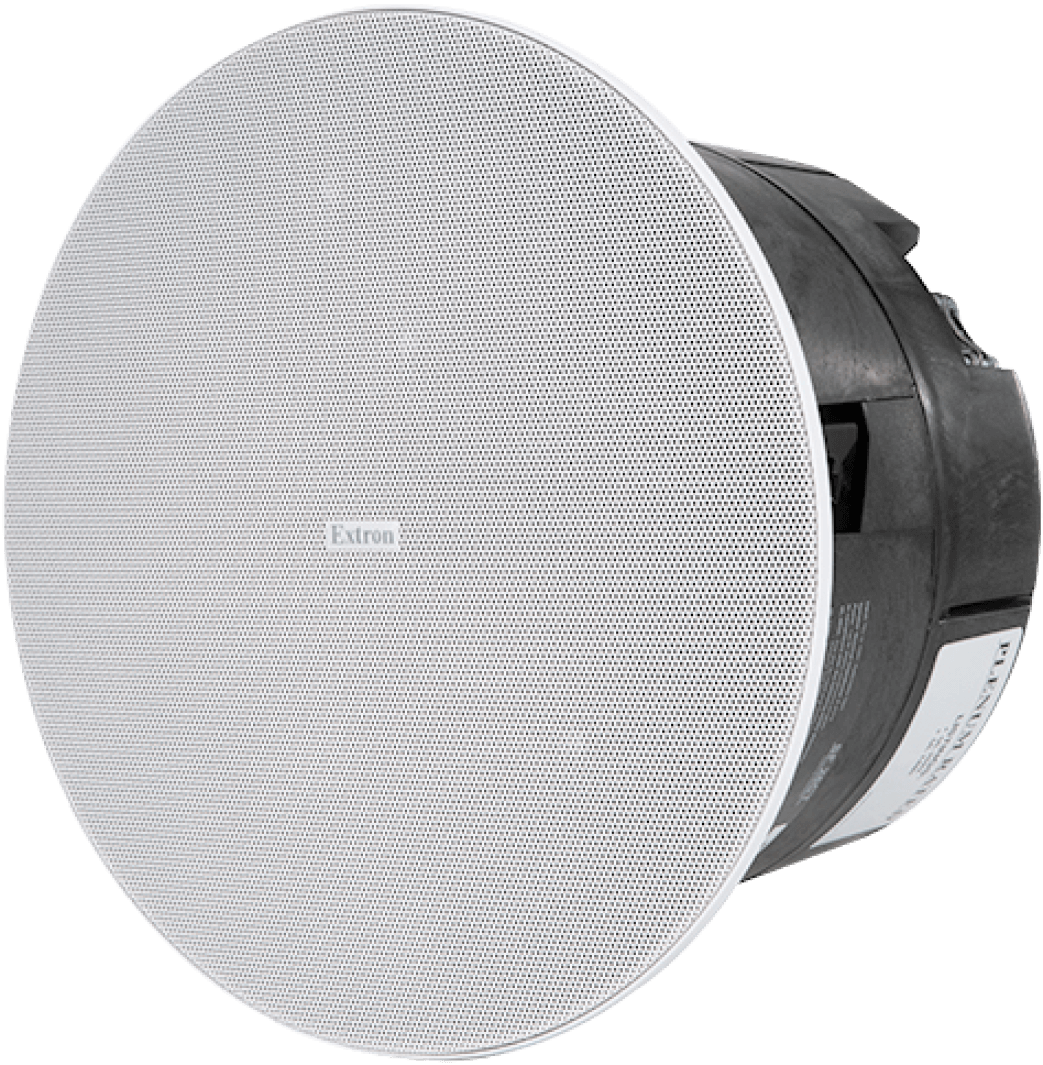
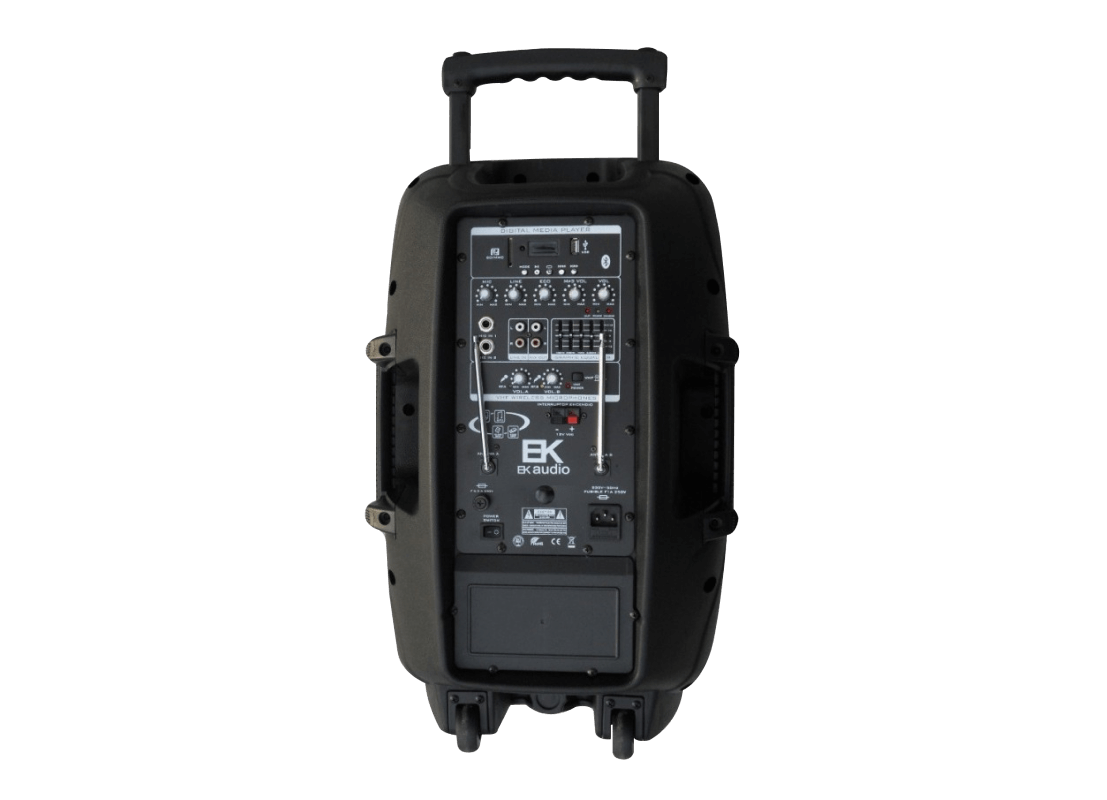
For a small cafe or single-room restaurant, a basic distributed audio setup — a mixer-amplifier and two to four ceiling speakers placed evenly across the dining area — delivers consistent background music without dead zones or overly loud spots. Most customers don't notice a well-designed sound system. They just feel comfortable, which is exactly what good restaurant audio should achieve.
For larger venues — full-service restaurants, bars, function rooms — a zone-based system lets you control different areas independently. The bar can have louder, more energetic music. The dining room can have a quieter, more relaxed level. Private dining areas can have their own feed entirely.
Outdoor terraces and al fresco areas in the Philippines need weatherproofed speakers with IP ratings suitable for the humidity and occasional rain exposure that comes with outdoor F&B settings.
For a small cafe or single-room restaurant, a basic distributed audio setup — a mixer-amplifier and two to four ceiling speakers placed evenly across the dining area — delivers consistent background music without dead zones or overly loud spots. Most customers don't notice a well-designed sound system. They just feel comfortable, which is exactly what good restaurant audio should achieve.
For larger venues — full-service restaurants, bars, function rooms — a zone-based system lets you control different areas independently. The bar can have louder, more energetic music. The dining room can have a quieter, more relaxed level. Private dining areas can have their own feed entirely.
Outdoor terraces and al fresco areas in the Philippines need weatherproofed speakers with IP ratings suitable for the humidity and occasional rain exposure that comes with outdoor F&B settings.
Can I show entertainment — like sports or streaming — on screens in my bar or restaurant alongside my digital menu content?
Yes, but these two types of content need separate screens or a system designed to switch between purposes. A digital menu board is set up for content managed through a CMS. A screen showing live TV or streaming uses a different input source entirely.
The practical setup for most bars and restaurants that want both: dedicated digital menu boards above the counter or at the ordering area, and separate entertainment screens on the dining room or bar wall connected to a broadcast or streaming source. A simple AV routing system lets staff switch the entertainment screens between different sources — live sports, streaming, or ambient branded content — without affecting the menu boards.
The Brain Computer Corporation can design an integrated AV system that covers both your menu boards and your entertainment screens in a single project.
The practical setup for most bars and restaurants that want both: dedicated digital menu boards above the counter or at the ordering area, and separate entertainment screens on the dining room or bar wall connected to a broadcast or streaming source. A simple AV routing system lets staff switch the entertainment screens between different sources — live sports, streaming, or ambient branded content — without affecting the menu boards.
The Brain Computer Corporation can design an integrated AV system that covers both your menu boards and your entertainment screens in a single project.
Installation, Service, and Warranty
Is delivery and installation included in the quotation?
Yes, delivery and installation are included in the quotation unless otherwise stated.
Do you have in-house technicians for installation, servicing, and support?
Yes, we have in-house technicians who handle installation, servicing, and technical support.
Having in-house service capability means that when a maintenance issue arises, the same team that installed your system is the team that comes to resolve it — with direct knowledge of your specific installation, its configuration, and its history.
Having in-house service capability means that when a maintenance issue arises, the same team that installed your system is the team that comes to resolve it — with direct knowledge of your specific installation, its configuration, and its history.


